

Imagine that you have recently started a new role as a TW (technical writing) specialist at a software company that develops cloud-based solutions. Your main responsibility is to overhaul and organize the company’s technical documentation. This includes migrating existing content, ensuring consistency, and establishing workflows for review and publication. Localization and translation will also need to be addressed down the line.
As the first technical writer in the company, you’re also responsible for selecting the documentation tool the team will use.
So, where do you begin, given the crowded landscape of tools—each claiming to be the ultimate solution for your documentation needs? First, you’ll need to identify the company’s specific requirements, research available options, and evaluate them carefully based on those needs.
In this article, we’ll guide you through the key considerations for selecting the right documentation tool, explore different categories of tools you might consider, and share insights to help fellow technical writers facing similar challenges.
Let’s dive in!
What Are Software Documentation Tools?
Software documentation tools are applications designed to help teams create, manage, and maintain documentation for software products. These tools streamline the process of writing, organizing, storing, and updating content—ensuring that everyone from developers to end-users can easily access the information they need.
The best documentation tools support collaboration, version control, and efficient search. They improve product usability and support efforts while reducing the workload for technical writers and developers.
Here are some of the core requirements you may want to evaluate:
- Ease of Use: The tool should make it easy to review and update content regularly.
- Collaboration: Built-in workflows for content review, approval, and team contributions.
- Translation Management: Features that streamline localization and translation processes.
- Hosting Flexibility: Ideally self-hosted to align with company policies, but cloud-based options can be considered if they offer clear advantages.
- Integration: Must integrate with your product to enable contextual help, in-app links, and centralized documentation landing pages.
- Audience Support: Should serve both external audiences (users, advanced users, admins) and internal teams (training materials, internal knowledge base).
No matter which tool you’re leaning toward, the following recommendations will help you make a confident and informed decision.
What Are the Goals of Software Documentation?
Software documentation plays a critical role in both internal and external communication. Its primary goals include:
- Onboarding New Users: Guiding new users on how to use the software effectively.
- Facilitating Development: Providing developers with the information they need to understand the codebase and contribute to projects efficiently.
- Troubleshooting Issues: Offering solutions to common problems and addressing frequently asked questions.
- Ensuring Knowledge Transfer: Preserving institutional knowledge to avoid information loss when team members leave.
- Compliance and Auditing: Maintaining proper records to support regulatory compliance and internal audits.
- Improving User Experience: Making software more intuitive and accessible, which boosts user satisfaction and adoption.

Hazards of Neglecting Software Documentation Tools
In many small startups and midsized organizations, documentation is often an afterthought. Apart from scattered Jira or Azure DevOps tickets, there’s typically little to no formal documentation. Most operational knowledge lives in the heads of individual developers or team members—a classic case of “tribal knowledge.”
This becomes a major risk when experienced developers leave the organization. Without proper documentation, core knowledge can be lost, leading to confusion, rework, and productivity loss. If you’re aiming to centralize technical documentation—whether it’s product specs, design flows, Figma prototypes, or end-user help content—the time to act is now.
But let’s face it: writing documentation isn’t fun, and most people won’t do it unless they absolutely have to. To avoid documentation becoming an afterthought, you need to build it into the development workflow. A typical practice includes attaching a PRD (Product Requirements Document) and a Technical Design Document to each new feature.
For existing systems, consider setting aside a day or two for knowledge-sharing sessions. Have your team walk through the system architecture, design decisions, and dependencies. These sessions are far easier to run than writing full documentation from scratch—and they can be recorded, transcribed, or summarized later for future reference.
Documentation Areas to Focus On
To ensure comprehensive coverage, consider organizing your documentation into three core areas:
- Technical Documentation: For developers—detailing system architecture, database design, data flows, dependencies, and other low-level technical details. Critical for onboarding and long-term maintenance.
- Product Documentation: For product managers, designers, and cross-functional teams—covering business requirements, UI/UX flows, solution designs, user stories, and product overviews. Helpful for CI/CD planning and retrospectives.
- User Knowledge Base: For end users—quick-start guides, help center articles, and FAQs for anyone interacting with the software.
Ideally, you should aim to centralize all three documentation areas in one platform, with granular access control based on user roles and permissions.
Benefits of Using Software Documentation Tools
Dedicated software documentation tools provide a wide range of benefits that enhance both the writing process and the overall user experience. These advantages include:
- Improved Collaboration: Real-time editing, commenting, and version tracking enable seamless collaboration among writers, developers, and other stakeholders.
- Enhanced Organization: A structured environment for categorizing and managing content makes it easy to locate and maintain documentation.
- Increased Efficiency: Automation of tasks like version control, formatting, and publishing saves time and minimizes manual work.
- Consistent Formatting: Enforced style guidelines and templates ensure a unified look and feel across all documentation, improving readability.
- Centralized Knowledge Base: Creates a single source of truth for technical and user documentation, accessible to both internal teams and external users.
- Integrated Workflows: Many tools integrate directly with development platforms like GitHub, Jira, or CI/CD pipelines, allowing documentation to evolve alongside the code.
- Powerful Search Capabilities: Advanced search features help users quickly find the exact content they need, boosting productivity and user satisfaction.
- Actionable Analytics: Usage analytics offer insights into how users interact with documentation, helping identify gaps and opportunities for improvement.
- Lower Support Costs: Comprehensive, easy-to-navigate documentation reduces reliance on support teams by empowering users to find answers independently.
Best Software Documentation Tools for 2026
Here’s a curated list of the top software documentation tools in 2026, designed to improve your documentation workflows and enhance your user experience:
ClickHelp
ClickHelp is a browser-based platform for creating and managing user manuals, online help, knowledge bases, and other technical content.
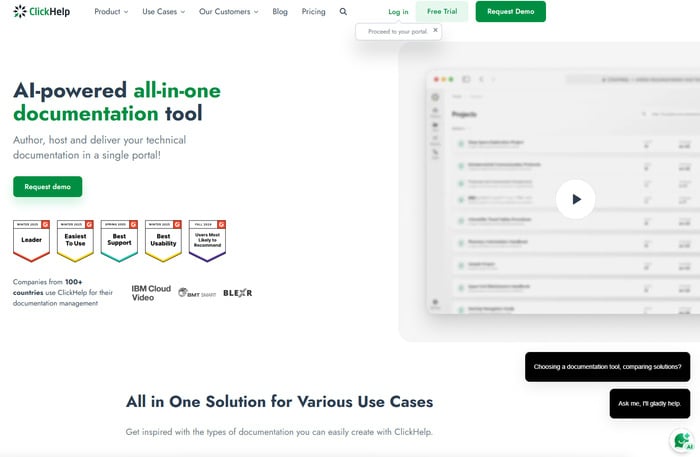
Features: WYSIWYG editor, reusable snippets, conditional content, user roles, advanced search, SEO, analytics, translation management, single-source publishing (HTML5, PDF, CHM), integrations (Jira, Zendesk, Google Analytics), 2FA.
Why Use: ClickHelp is a strong choice if you need a platform that offers a balance between ease of use and powerful features. It’s suitable for creating both internal and external documentation, and its focus on online help systems makes it a good option for software companies. Great for localization and online help systems.
Price: Starts at $185/month (billed annually). Custom pricing available.
Nuclino
Nuclino is a unified workspace that functions well as a modern documentation tool. It’s designed for teams looking for a simple, fast, and intuitive way to create, organize, and share knowledge.
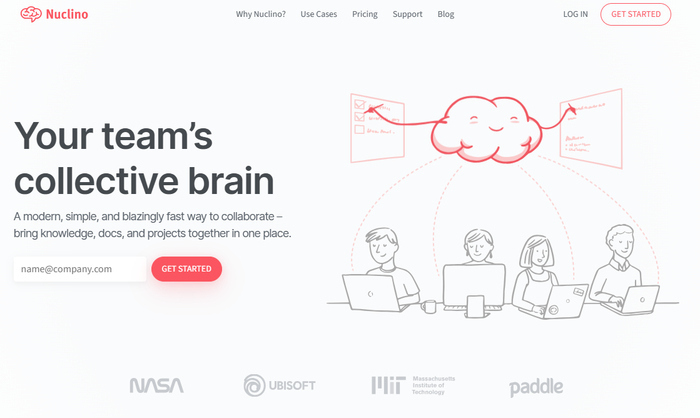
Features: Real-time collaboration, markdown support, visual organization (using graphs), internal linking, instant search, integrations with various apps.
Why Use: Perfect for agile or distributed teams needing fast, simple internal documentation and collaboration.
Price: Free plan available. Paid plans start at $6/user/month.
Whatfix
Whatfix is a digital adoption platform (DAP) that helps users learn how to use your software effectively. It goes beyond static documentation to provide interactive, in-app guides.
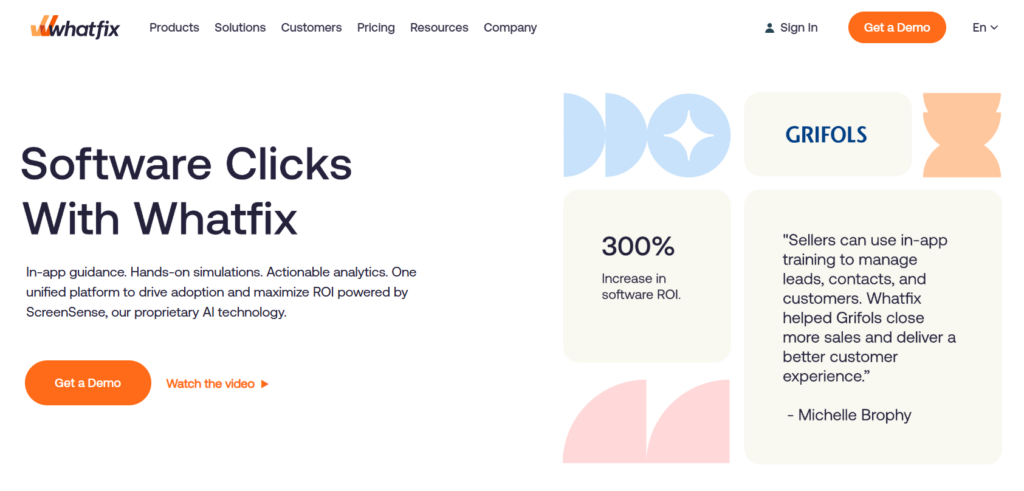
Features: Interactive walkthroughs, contextual help, task list, smart tips, self-help center, analytics, customization options.
Why Use: Great for improving user onboarding, training, and adoption in SaaS applications or enterprise tools.
Price: Custom pricing (based on features, number of users, etc.). Requires quote.
Confluence
Confluence, by Atlassian, is a collaborative workspace tool widely used for documentation, knowledge management, and project collaboration. It allows teams to create, organize, and share information in a central location.
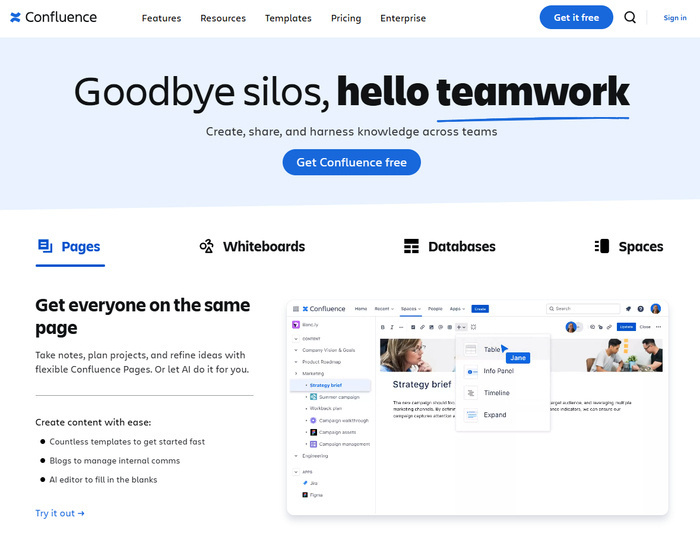
Features: Page editing, version control, real-time collaboration, integrations with other Atlassian products (like Jira), templates, and a powerful search function. Supports markdown.
Why Use: Best for development teams already using Jira, or for internal wikis and knowledge management.
Price: Free for up to 10 users. Paid plans start at $5.16/user/month.
Document360
Document360 is a comprehensive knowledge base platform for building public or internal product documentation.
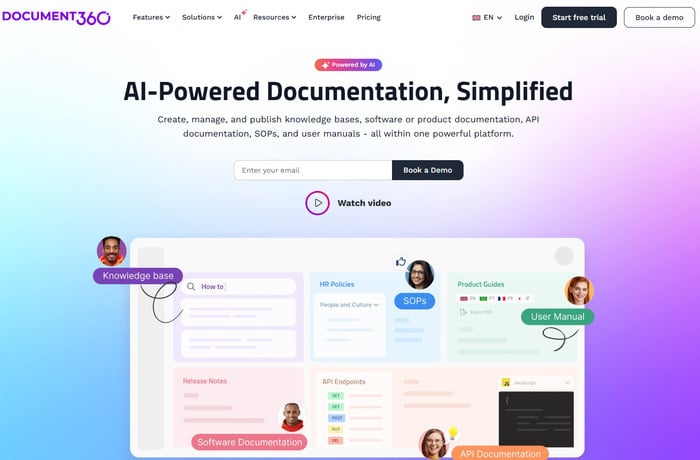
Features: Markdown editor, category manager, version control, built-in analytics, user roles and permissions, search functionality, integrations (like Slack, Intercom).
Why Use: Ideal for companies focused on support docs, FAQs, and reducing support ticket volume.
Price: Custom pricing.
GitHub Wiki
GitHub Wiki is a simple and straightforward documentation tool integrated directly into GitHub repositories.
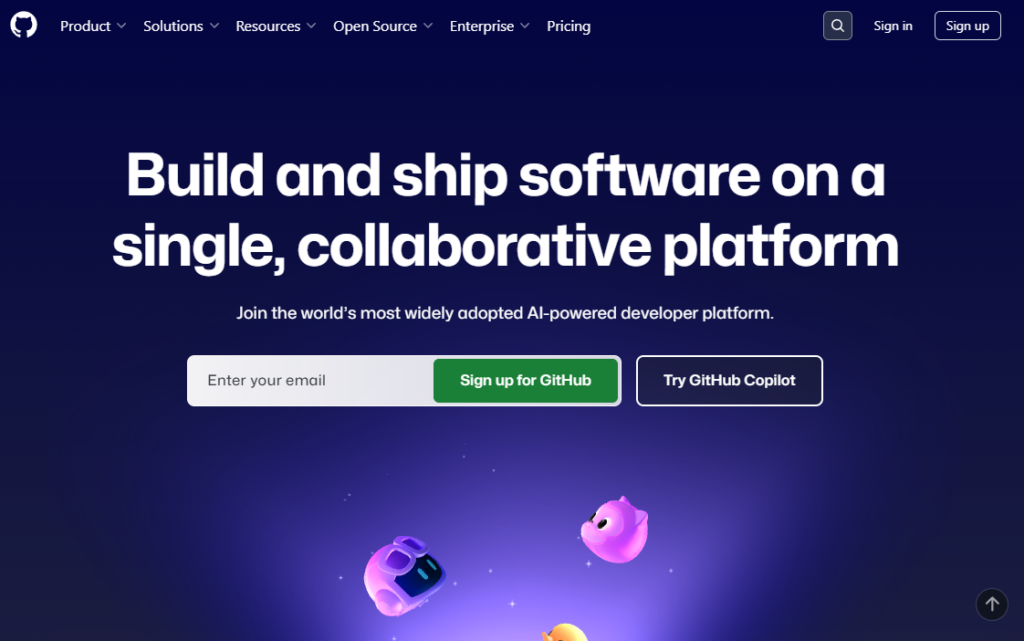
Features: Markdown support, revision history, easy editing, access control, integration with GitHub issues.
Why Use: Perfect for open-source projects or teams already using GitHub heavily.
Price: Free plan available (included with GitHub repositories).
Read the Docs
Read the Docs is an open-source platform that automates building and hosting of technical documentation.
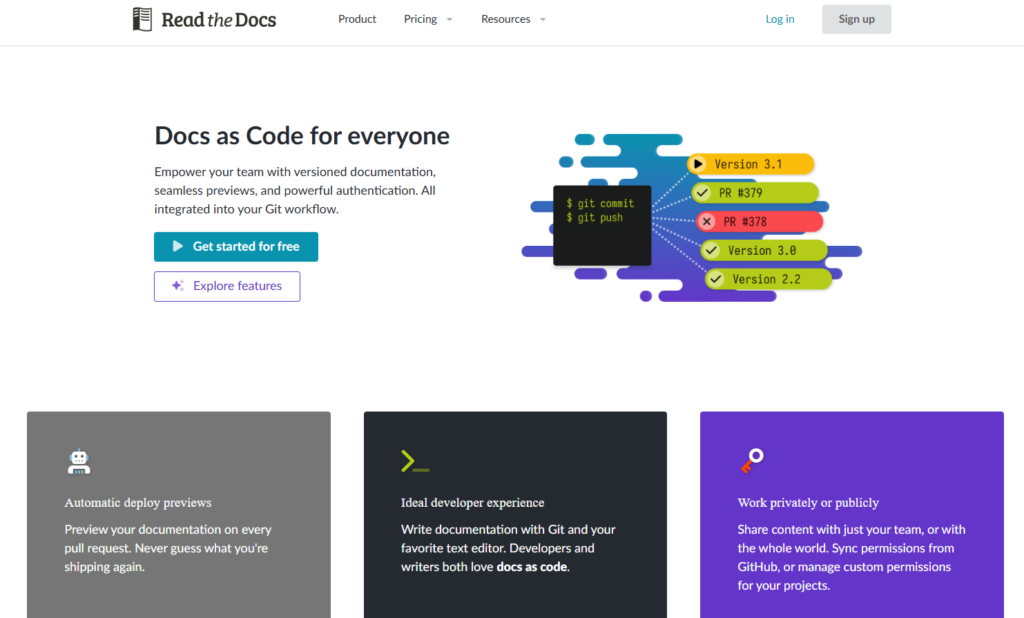
Features: Auto-builds from source code (e.g., Sphinx), version control, full-text search, GitHub/GitLab integration, custom domains.
Why Use: Ideal for developers maintaining versioned technical docs alongside code.
Price: Free for public projects. Paid business plans start at $150/month.
Paligo
Paligo is a cloud-based Component Content Management System (CCMS) specifically designed for technical documentation.
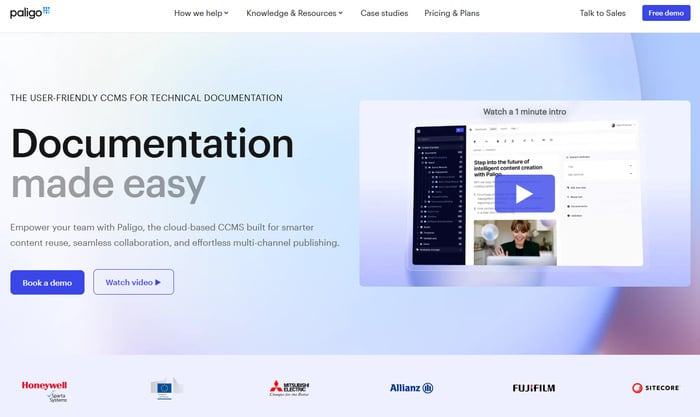
Features: XML-based component authoring, content reuse, multi-channel publishing (HTML, PDF, Zendesk, etc.), translation support, workflows, version control.
Why Use: Best for enterprise teams managing complex or multilingual documentation with reuse and compliance requirements.
Price: Professional plan starts at $4,800/year. Enterprise and business pricing available.
Helpjuice
Helpjuice is a user-friendly knowledge base platform focused on customer self-service and internal knowledge sharing.
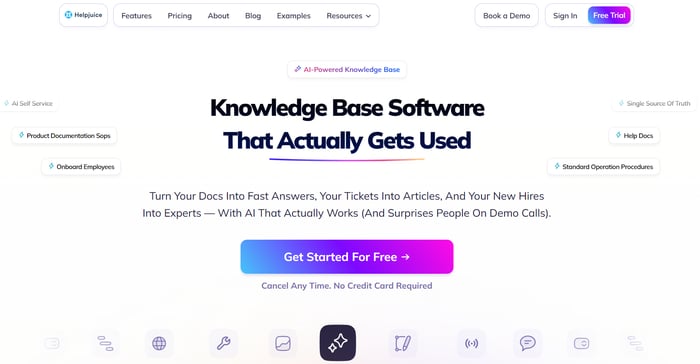
Features: WYSIWYG editor, branding customization, search analytics, user feedback, access control, multilingual support, integrations.
Why Use: Great for support teams aiming to reduce ticket volume and improve user experience.
Price: $200/month.
Docusaurus
Docusaurus is an open-source static site generator built by Meta, ideal for building modern documentation websites.
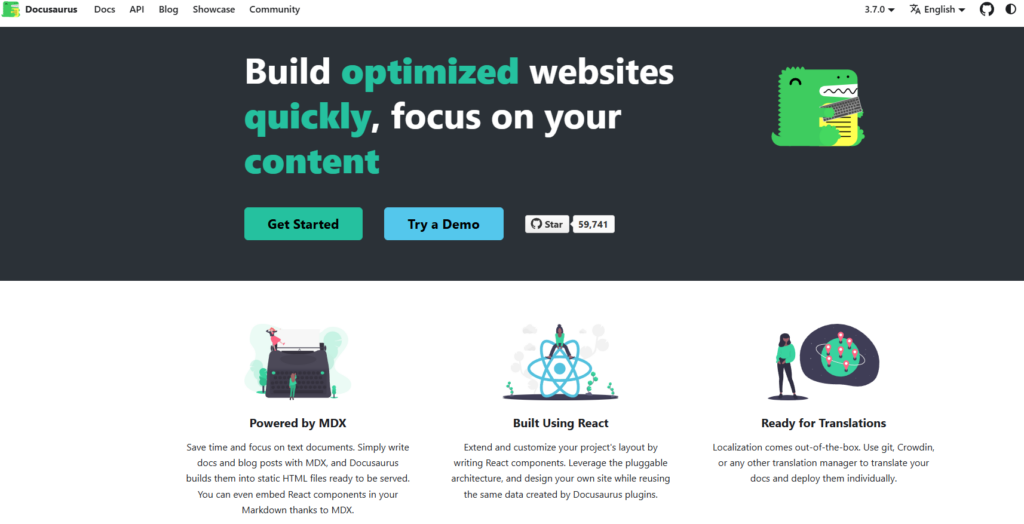
Features: Markdown/MDX support, versioning, theming, Algolia search, plugin ecosystem, translation (Crowdin), GitHub integration.
Why Use: Excellent for developer-centric teams needing highly customizable, fast static documentation sites.
Price: Free (open-source, self-hosted).
MkDocs
MkDocs is a fast, static site generator for building documentation using Markdown and Python.
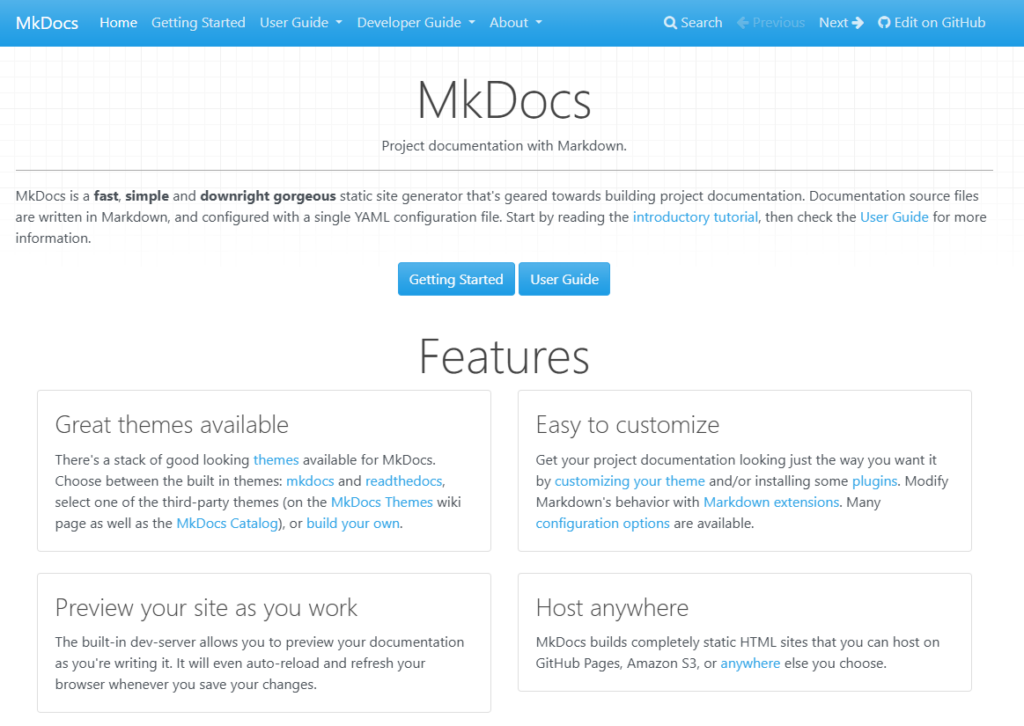
Features: YAML configuration, theming, built-in dev server, plugins (versioning, search), deployable via GitHub Pages, Netlify.
Why Use: Best for technical users who want minimal setup and clean, markdown-based static docs.
Price: Free (open-source, self-hosted).
Key Features of Software Documentation Tools
When evaluating software documentation tools, it’s important to look for features that align with your team’s workflow, technical needs, and audience. Below are the essential features to consider:
- Ease of Use. A clean, intuitive interface with easy-to-use editing tools is essential for quick adoption and efficient content creation.
- Collaboration. Support for real-time editing, inline comments, and version history enables teams to work together effectively, reducing bottlenecks in content review.
- Search Functionality. A powerful, fast search engine ensures users can quickly locate relevant information, improving the usability of your documentation.
- Version Control. Track changes, view revision history, and revert to previous versions—essential for maintaining accuracy and managing document updates over time.
- Integrations. Seamless integration with tools like GitHub, Jira, Slack, and CI/CD platforms helps embed documentation into your team’s existing workflow.
- Customization. Control over the layout, colors, branding, and styling of your documentation helps align your documentation site with your company’s visual identity.
- Content Management. Efficient categorization, tagging, and content hierarchy tools help manage large volumes of content and maintain structure as documentation scales.
- Analytics. User behavior insights—such as most viewed articles, search queries, and engagement trends—help you identify content gaps and improve documentation quality.
- Markdown Support. Support for Markdown (and optionally MDX or rich text) ensures flexibility in formatting, especially for technical teams accustomed to lightweight markup.
- Access Control. Granular permissions enable you to manage who can view, edit, or publish content— ideal for teams managing both internal and external documentation.
- API Access. A robust API allows for deeper customization, automation, or integration into proprietary systems and developer workflows.
How to Choose the Best Documentation Tool
Selecting the right documentation tool depends on your team’s unique needs and goals. When making your choice, consider the following factors:
- Team Size and Structure. How many people will be using the tool? Larger teams may require advanced collaboration and permission features.
- Type of Documentation. Are you creating product manuals, internal knowledge bases, API documentation, or a combination? Different tools specialize in different documentation types.
- Technical Expertise. How comfortable is your team with technical writing formats like Markdown? Some tools are more beginner-friendly, while others cater to advanced users.
- Budget. What is your budget? Consider not only upfront costs but also subscription fees and potential costs for additional features or users.
- Integration Requirements. Do you need the tool to integrate with your existing software stack, such as project management, code repositories, or communication platforms?
- Ease of Use. How intuitive is the interface? Is there a steep learning curve that could delay adoption?
- Scalability. Can the tool grow with your organization’s documentation needs, supporting more users, content, and workflows over time?
- Support and Training. What level of customer support, documentation, and training resources are available to help your team get up to speed?
Tools for Auto-Generating Technical Documentation from Code
Maintaining comprehensive, up-to-date technical documentation is often time-consuming and prone to human error. To simplify this, several tools use automation—and increasingly AI—to generate and manage documentation directly from your codebase. These tools parse source code, extract relevant comments or metadata, and produce human-readable documentation, significantly reducing manual effort.
Common tools include:
- Doxygen. Automates documentation generation from specially formatted comments in source code. Supports many languages, including C, C++, Java, and Python.
- Sphinx. Popular in the Python community, Sphinx generates documentation from reStructuredText files and docstrings embedded in Python code. It supports extensions and theming for flexible output formats.
- Swagger/OpenAPI. Primarily for RESTful APIs, these tools create interactive API documentation from OpenAPI specifications or annotations in the code, enabling easy exploration and testing of endpoints.
- DocFX. A static documentation generator mostly used for .NET projects, DocFX converts source code comments and markdown files into HTML documentation sites.
- AI-Powered Tools. Emerging AI assistants like GitHub Copilot and TabNine can suggest documentation snippets, summaries, or explanations by analyzing code context. Custom AI models are also being developed to automate documentation generation further.
These tools improve developer productivity by ensuring documentation stays consistent and synchronized with the codebase, helping teams deliver better, more maintainable documentation faster.
AI Tools for Generating Documentation
Artificial Intelligence is transforming technical documentation by enabling fast, context-aware, and high-quality content creation. AI-powered tools leverage natural language processing (NLP) models to analyze code, comments, and specifications, generating clear and concise documentation with minimal manual effort.
Notable AI tools include:
- GitHub Copilot. An AI coding assistant that suggests code comments, explanations, and documentation snippets based on the surrounding code context, helping developers document as they write.
- ChatGPT & GPT-based Models. Capable of summarizing complex code or technical concepts into plain language, generating documentation drafts, or translating technical content across languages.
- Code2Doc. Specialized AI tools designed to automatically generate API documentation, usage examples, and tutorials by analyzing entire codebases.
- Custom AI Models. Some organizations develop domain-specific or code-aware language models trained on their own code and documentation standards to produce tailored, high-quality documentation.
These AI tools drastically reduce the time required to create comprehensive documentation, improve clarity and consistency, and enhance developer productivity and knowledge sharing across teams.
Conclusion
By carefully evaluating your needs and comparing the features of various tools, you can select the best documentation solution to streamline your workflows and enhance your user experience. Be sure to take advantage of free trials to test different options before making a final decision.
Good luck creating awesome documentation!
Author, host and deliver documentation across platforms and devices
FAQ
What is a software documentation tool?
A software documentation tool is an application designed to help teams create, manage, and maintain technical documents related to software products. These tools often include features like collaboration, version control, and content organization.
How do I choose the right documentation tool for my team?
Consider factors such as your team size, type of documentation needed, technical expertise, budget, integration requirements, ease of use, and scalability. Testing tools through free trials can also help you make an informed choice.
What are the key features to look for in documentation tools?
Important features include ease of use, real-time collaboration, robust search, version control, integrations, customization options, content management, analytics, markdown support, access control, and APIs.
Can AI tools really help with documentation?
Yes! AI tools can assist in generating documentation snippets, summarizing code, and automating parts of the documentation process, which saves time and improves consistency.
What is the difference between traditional documentation tools and auto-generating tools?
Traditional tools focus on authoring and managing documents manually with collaboration features. Auto-generating tools analyze source code to automatically produce technical documentation, reducing manual effort.
How can I manage multilingual documentation?
Look for tools with translation management features that support localization workflows and integrate with translation management systems.