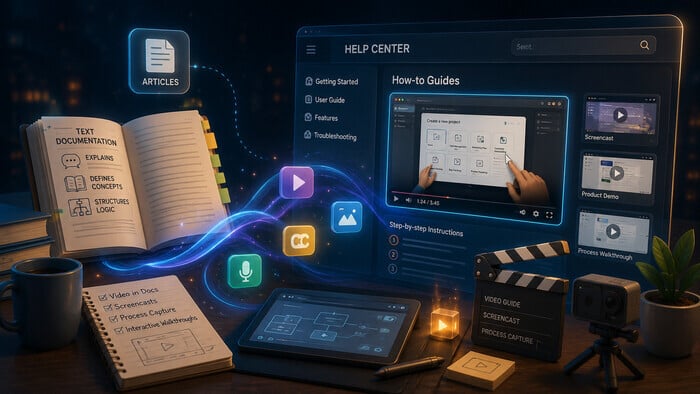

Many traditional documentation formats, such as static PDFs, linear Word documents, and simple web pages, no longer meet users’ expectations for engagement. Studies show that typical completion rates for static e-learning courses and MOOCs (Massive Open Online Courses) are less than 25%, suggesting inefficiency in one-size-fits-all linear content delivery. Interactive documentation and dynamic training, however, use bite-sized, engaging content and personalized learning paths, which have been shown to increase completion and engagement rates significantly. Completion rates of 75–85% and retention improvements of up to 50% are possible through interactive means.
Not only does interactive documentation increase completion and comprehension, but it also enhances user satisfaction while reducing the need for additional support. Interactive documents equip users with self-service support, improve product understanding, and drive engagement through multimedia, step-by-step guides, and real-time feedback
What Is Interactive Documentation?
Interactive documentation goes beyond static text and images; it’s a living resource that can include videos, audio clips, animations, buttons, embedded forms, and interactive infographics. Users can move through content at their own pace, jump to relevant sections, and participate in quizzes or polls. This format is particularly useful for sales, marketing, HR, training, and customer support teams presenting complex information in a digestible way.
The term “interactive documentation” emerged as static documents became insufficient for modern digital needs. As technology advanced, more participatory content became necessary. It is also called dynamic documentation, living documentation, or smart documentation, reflecting its ability to adapt to user needs. Related concepts include interactive learning, guides, and manuals, all emphasizing user participation and real-time feedback.
Why Interactive Documentation Matters
Interactive documentation allows engagement, retention, and satisfaction to be tracked.
- Higher engagement: Interactive content can increase engagement by up to 50% compared to static formats. For instance, a retail brand saw a 50% increase in click-through rates and a 20% rise in sales after using interactive infographics
- Better information retention: Participation via interactive elements improves retention. A university reported a 30% increase in course completion with higher student satisfaction.
- Personalized experience: Users see only relevant content, enhancing engagement and satisfaction.
- Actionable insights: Analytics track behavior, measure engagement, and improve content iteratively. Interactive infographics increase retention and engagement.
These points demonstrate that interactive documentation is not a fad but an effective strategy to boost engagement, retention, and insight.
How to Make Documentation Interactive
Interactive documentation transforms how teams create and consume content. Best practices include:
- Non-linear thinking: Design content as a system, not a single narrative. Allow users to scan, click, and jump around.
- Incorporate multimedia: Use videos, audio, animations, and interactive graphics. Keep them short and relevant.
- Respect copyright: Ensure all media is properly licensed.
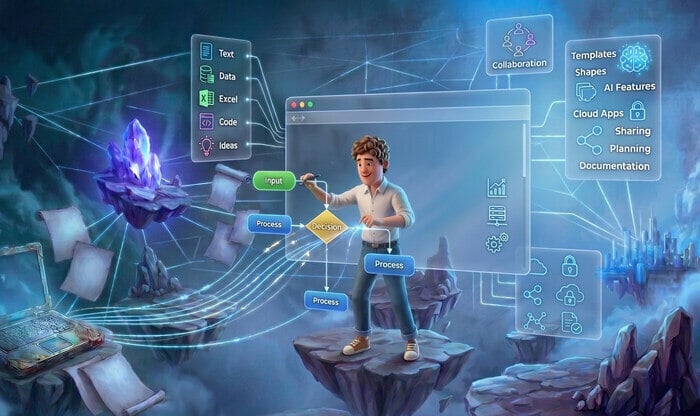
- Leverage design tools: Tools like Adobe, Sketch, Figma, PowerPoint, and Google Slides help create interactive layouts.
- Interactivity: Embed buttons, transitions, videos, and interactive infographics.
- Test and optimize: Use analytics to refine content based on user behavior.
Focus on a user-centered experience, not just adding bells and whistles.
Examples Across Disciplines
Interactive documentation isn’t limited to technical teams. It brings value across many disciplines. These examples show how different departments use interactive content to improve clarity, engagement, and user experience.
Marketing
- E-books: Fillable lead capture forms, embedded product demo videos, interactive infographics.
- White papers: Hyperlinked sources, clickable table of contents, image galleries.
- Data sheets: Interactive charts, filters, and customized views.
- Reports: Video summaries, audio clips, clickable references.
- Infographics: Scrollable, clickable, animated layouts.
- Case studies: Interactive timelines, embedded testimonials, photo galleries.
- Press kits: Inquiry forms, video press releases, downloadable assets.
- Buyer’s guides: Checklists, ROI calculators, comparison tables.
- Brochures: Navigation buttons, product walkthrough videos, photo galleries.
- Sales decks: Interactive dashboards, live polls, clickable links.
Sales
- Playbooks: Step-by-step walkthroughs, videos, checklists.
- Onboarding guides: Interactive quizzes, tutorials, scenario modules.
- Presentation tools: Live polls, embedded demos, clickable links.
- Dashboards: Real-time data, interactive charts.
Employee Experience
- Training playbooks: Quizzes, video tutorials, scenario modules.
- Onboarding materials: Interactive checklists, videos, links.
- Benefits resources: Calculators, embedded content.
- Newsletters: Videos, hyperlinks, polls.
Advantages of Interactive Documentation
Interactive documentation makes the delivery of information more engaging, collaborative, and competitive. Some key benefits include:
Improved User Experience
Interactive documentation provides users with a richer and more engaging experience because they can easily find and understand the information presented. Clickable diagrams, videos, and interactive tutorials encourage participatory exploration and learning, helping to reduce friction and improve overall satisfaction. According to Forbes, interactive content generates 52.6% more engagement than static content, with users spending an average of 13 minutes interacting with it compared to 8.5 minutes with static content. This demonstrates how effective quizzes, polls, calculators, and other forms of interactive infographics can be. The more digital marketers and content developers adopt these active formats, the more memorable, shareable, and conversion-driving their content becomes.
Better Knowledge Sharing
This means immediate sharing of insights and updates, with teams able to work more effectively. Most interactive documentation solutions enable live editing and instant sharing, supporting seamless communication, accelerating onboarding processes and productivity, and keeping everyone informed with the latest knowledge. For example, teams using collaborative interactive documentation tools have seen significant reductions in onboarding time and increases in knowledge retention; users can access and update content instantly, creating more efficient workflows.
Competitive Advantage
Organizations that adopt interactive documentation stand out from competitors by offering a fresh, user-friendly approach to information sharing. This leads to higher levels of customer and employee satisfaction and positions the organization as an innovator in its field, attracting more users and clients. Companies that implement interactive documentation often report stronger customer satisfaction metrics and increased client acquisition because their content appears more accessible, up-to-date, and engaging.
Interactive documentation provides a real competitive advantage, helping organizations deliver a superior user experience, foster deeper collaboration, and elevate their brand in a crowded market. By embracing interactive elements, teams can create content that delights, informs, and remains memorable—driving meaningful results for both users and businesses.
Conclusion
Interactive documentation represents a paradigm shift in organizational communication. By embracing rich media, intelligent design, and user-centered features, teams can create content that educates, informs, and inspires. As interactive documentation becomes the norm, adopters will be better equipped to connect, collaborate, and thrive in a digital world.
Good luck with your technical writing!
Author, host and deliver documentation across platforms and devices
FAQ
What is interactive documentation?
Interactive documentation is a modern format of technical or product content that allows users not only to read but also to engage with the material. It may include embedded videos, quizzes, expandable sections, animations, interactive API calls, and other elements that help users learn faster and retain information better.
How is interactive documentation different from traditional documentation?
Traditional documentation is static: users can only scroll and read.
Interactive documentation is dynamic: it lets users test, explore, and interact with the product directly inside the documentation. This leads to higher engagement, better comprehension, and reduced support load.
Does adding interactive elements require a lot of maintenance?
Usually, no. High-quality documentation platforms keep elements synced automatically.
For example, with interactive API docs generated from OpenAPI, updates happen automatically when definitions change. Videos, quizzes, and expandable blocks remain intact even as text content is updated.
Can interactive documentation improve SEO?
Indirectly — yes. Although search engines don’t read interactive widgets, they track: longer session duration, lower bounce rate, higher user engagement
These behavioral signals can improve page ranking and overall visibility.
Can I test interactive API documentation before implementing it?
Yes. You can try interactive API documentation in ClickHelp using the built-in Test Request feature. It lets you execute real API calls directly from your browser and see responses immediately, without any external tools.