Back
to top

    ClickHelp Portal Gallery

    Our clients use the power and flexibility of ClickHelp branding functions to create unique designs of their documentation portals – just take a look at some examples!

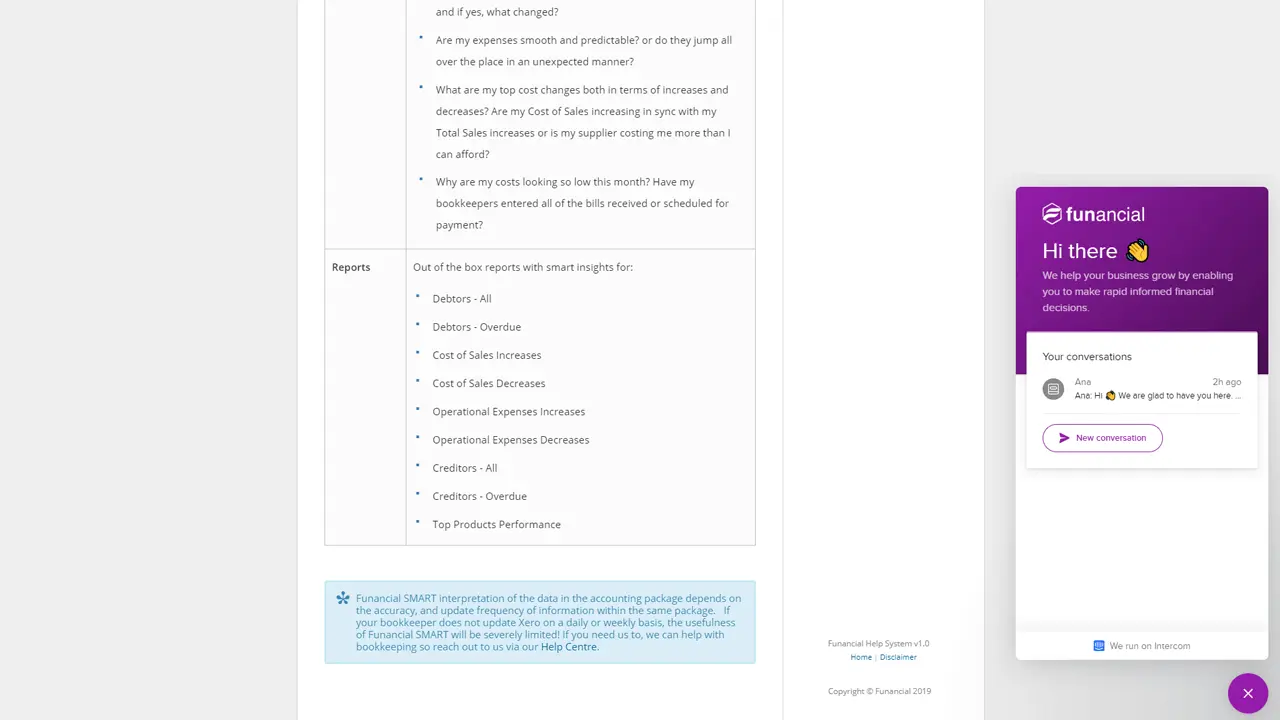
    Funancial SMART User Guide
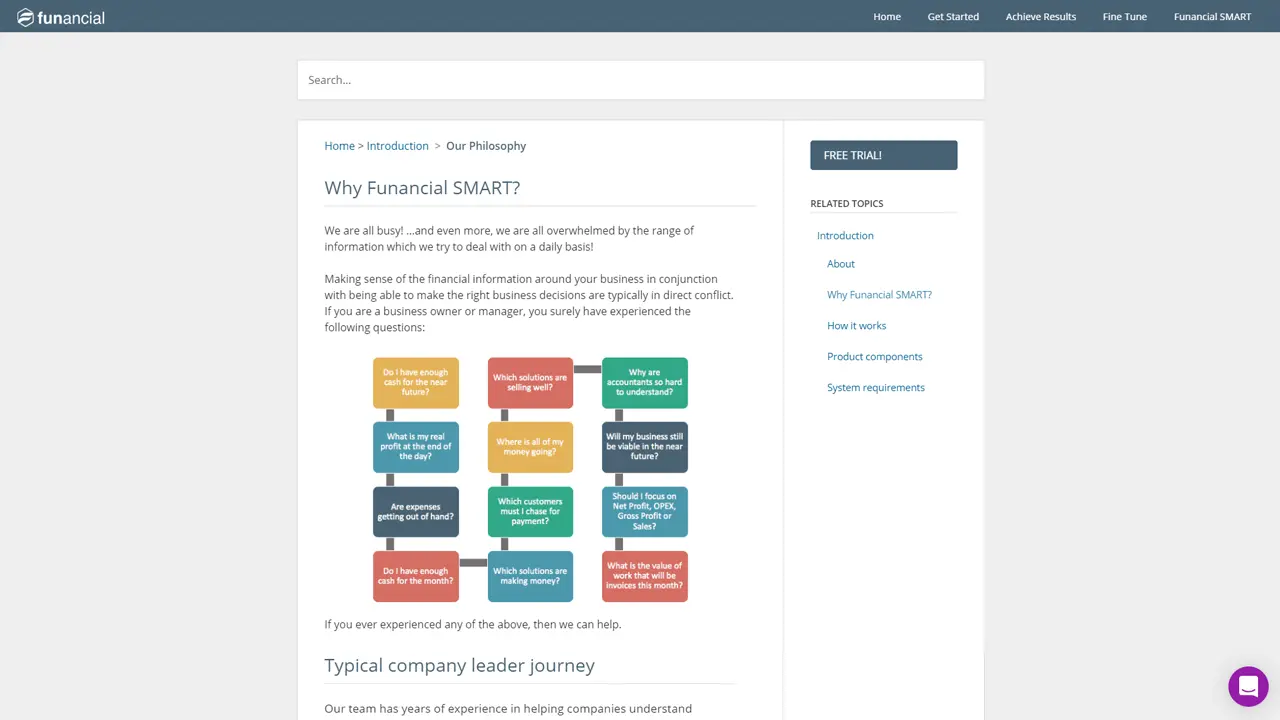
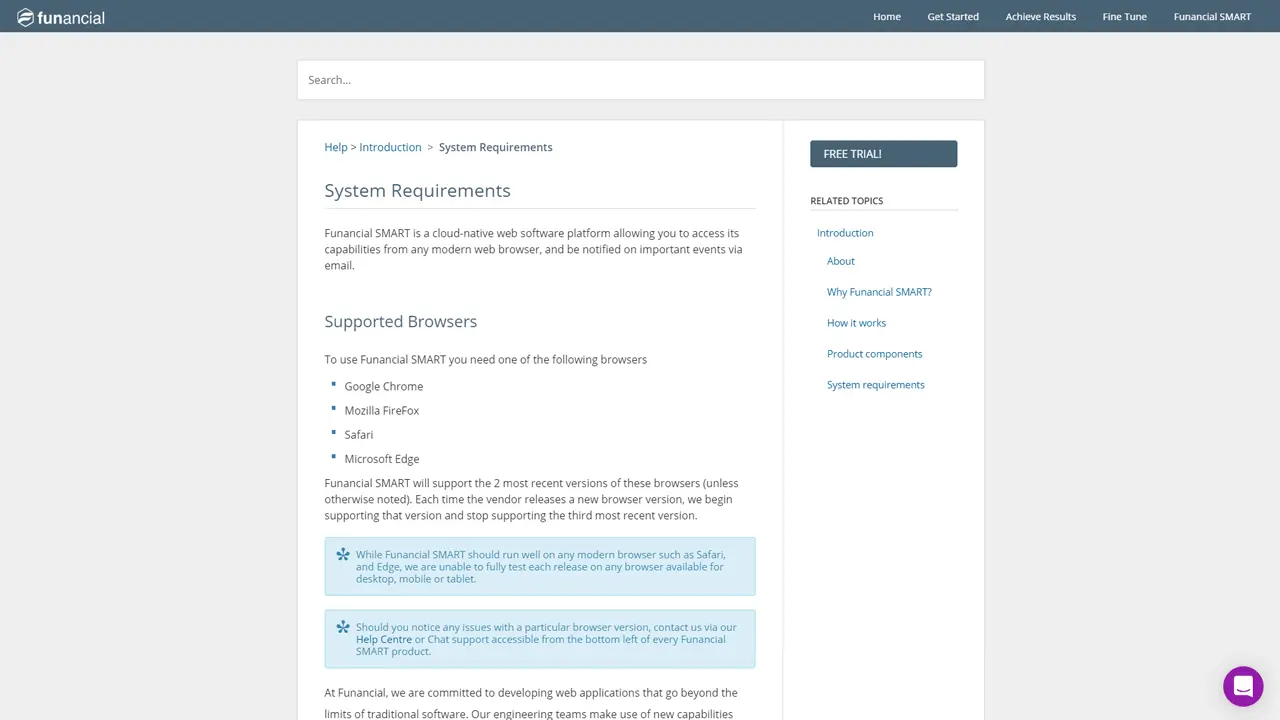
    Funancial went heavy on their portal branding. Adhering to minimal design, their homepage features all of the main entry points of their documentation, split into several groups.
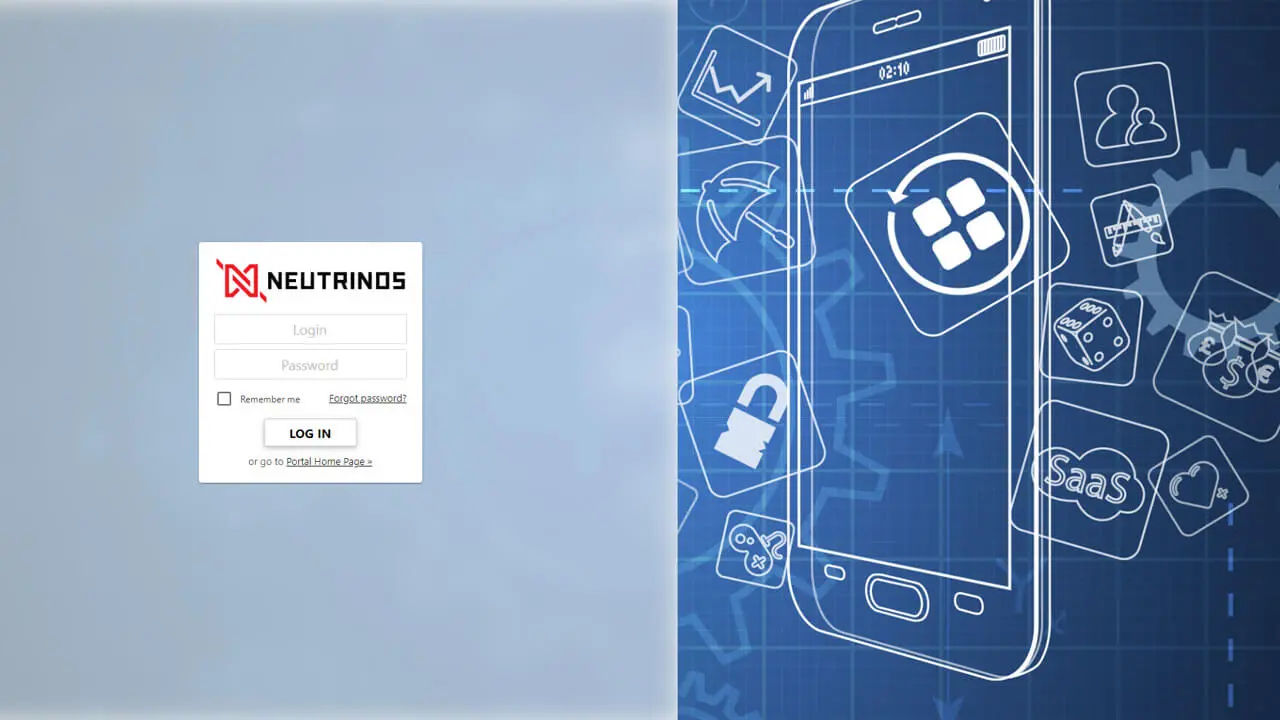
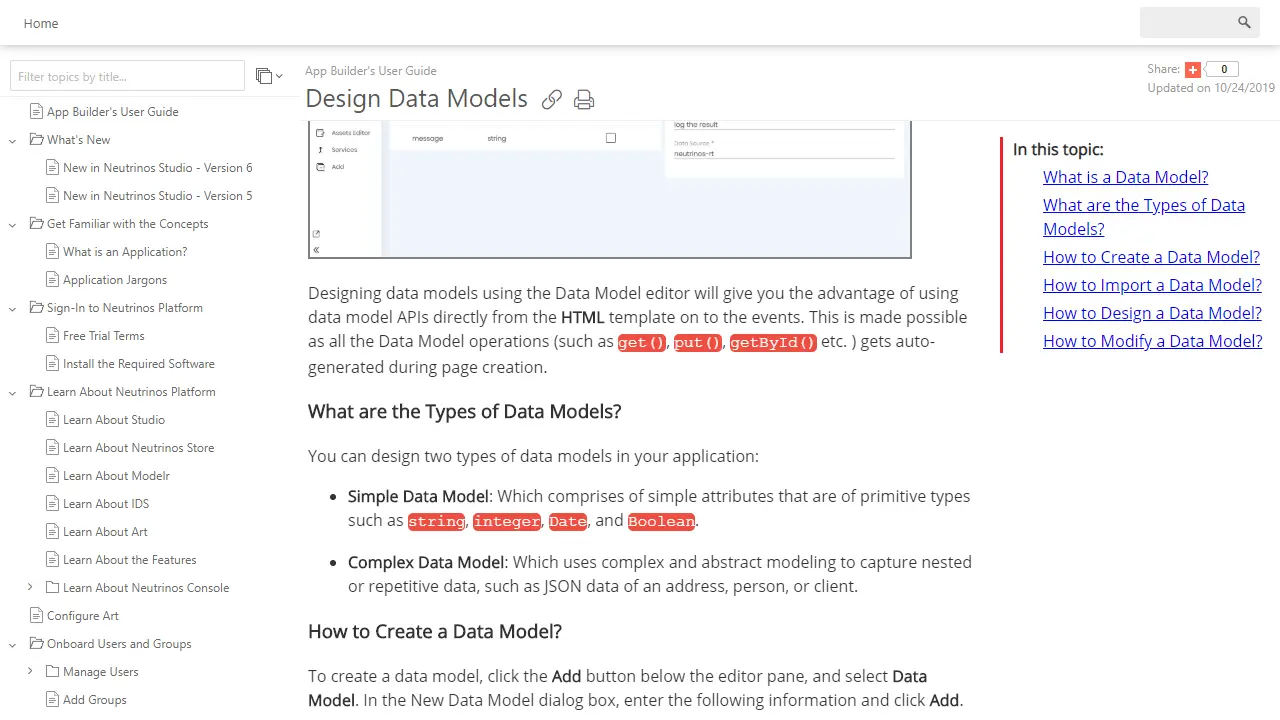
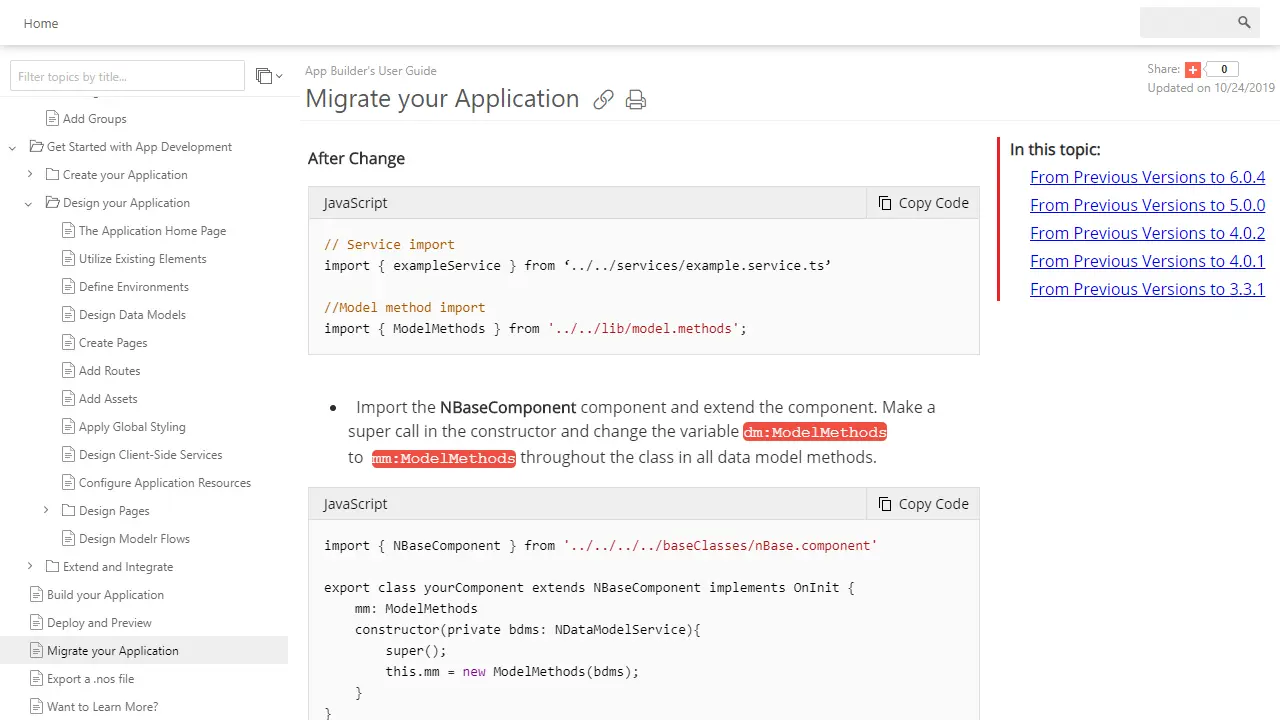
    Neutrinos Documentation Portal
    Neutrinos portal homepage features a fully customized layout that is, basically, a landing page. The documentation is styled to match the corporate styles, with a few custom elements.
    View Online
    Copado Documentation Portal
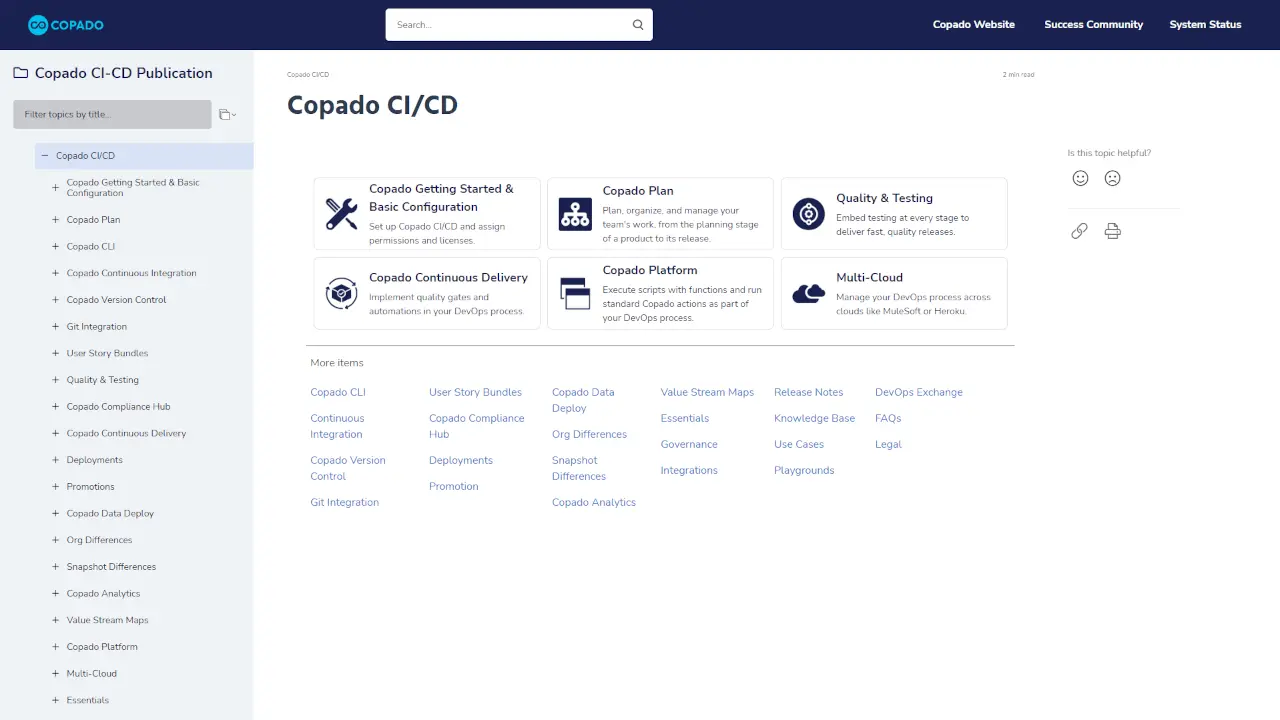
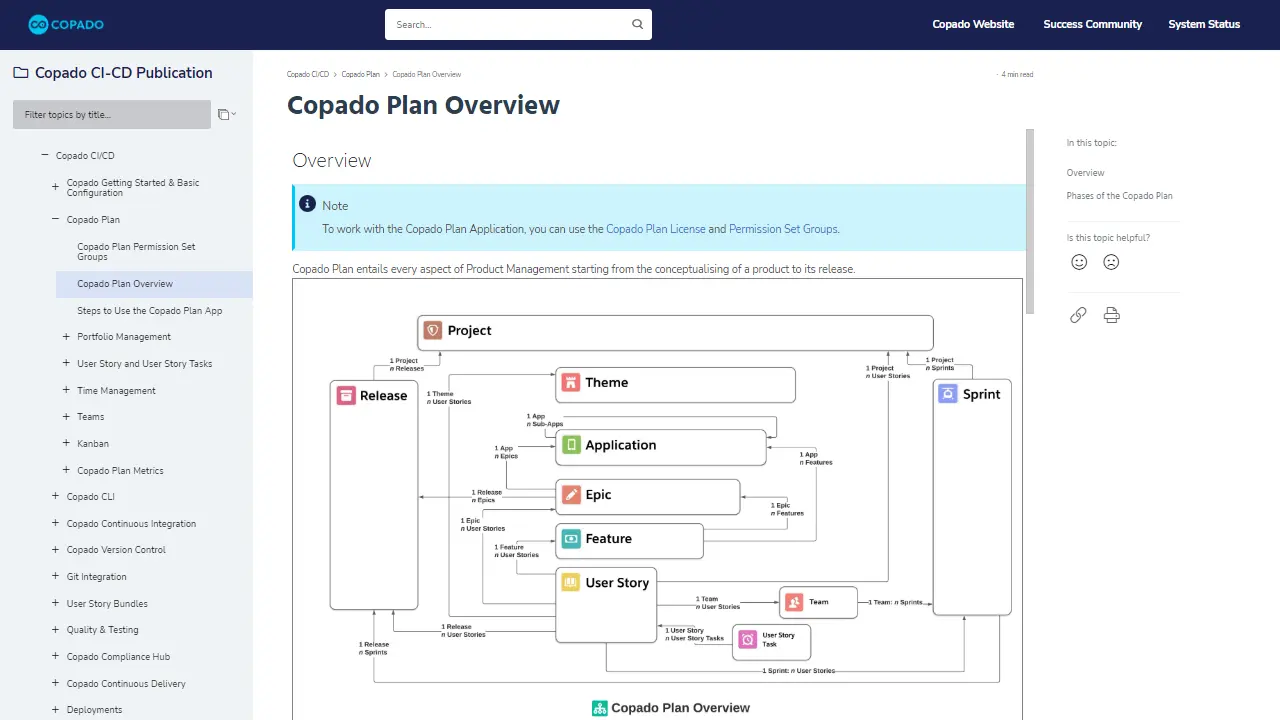
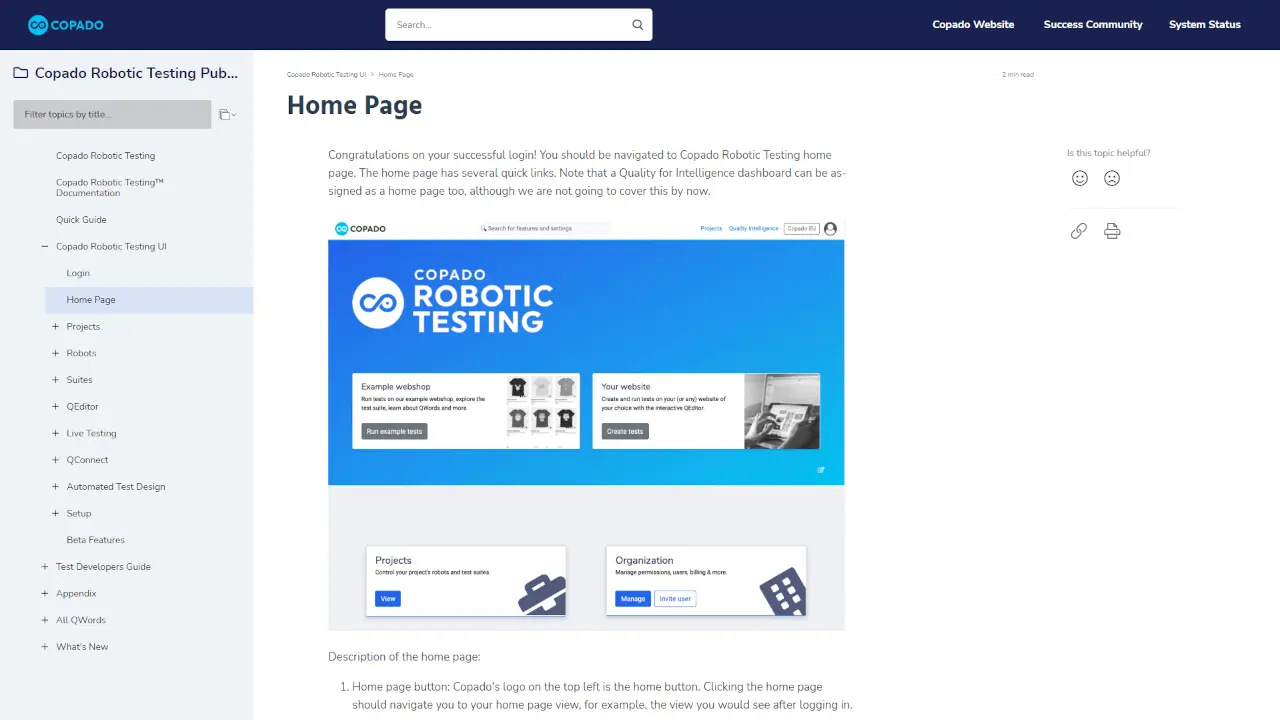
    Copado is a DevOps tool that can help you automate testing and compliance. Documentation here is crucial. The Copado portal is a fine example of a basic design that emphasizes the serious work approach. The documentation structure is logical and user-friendly.
    View Online
    Intsights Documentation Portal
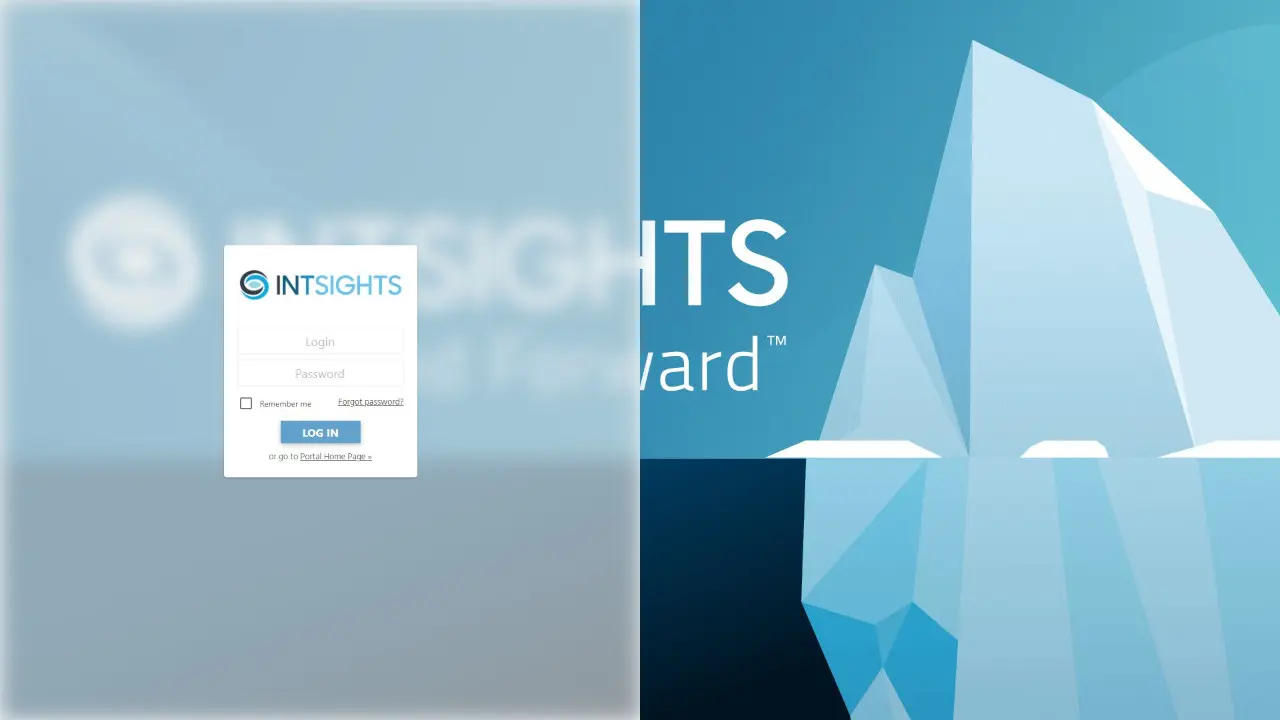
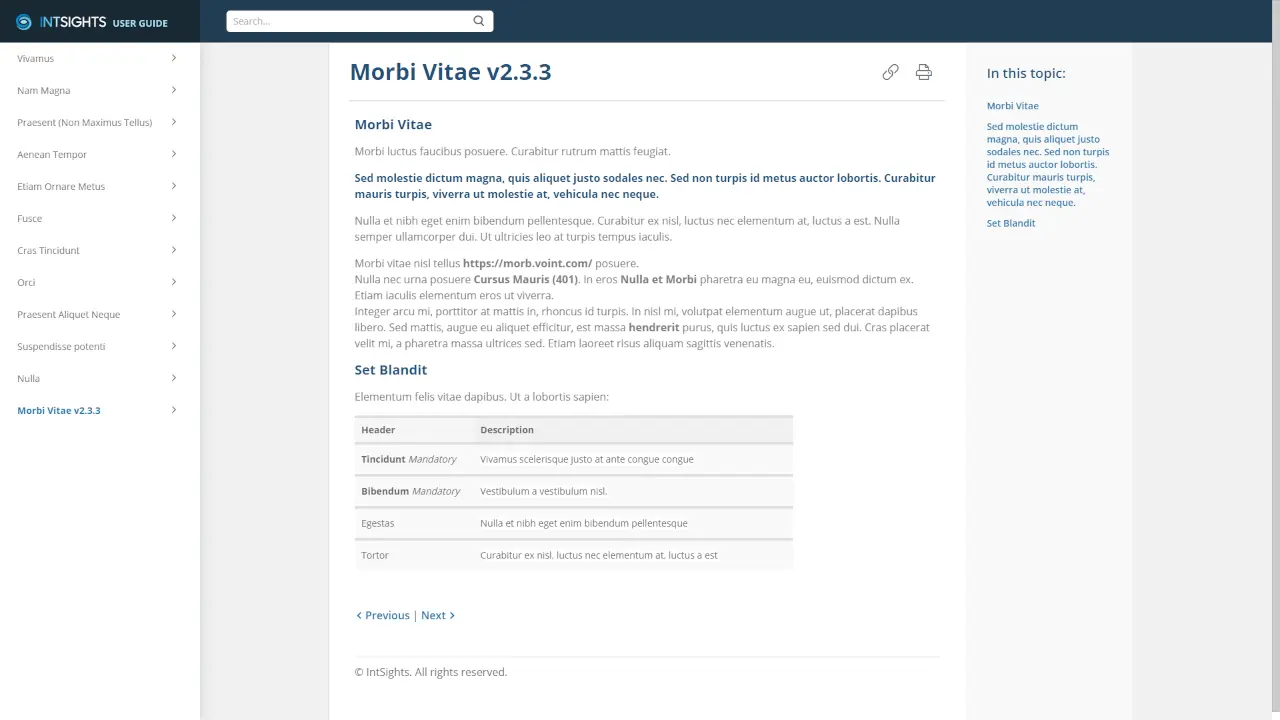
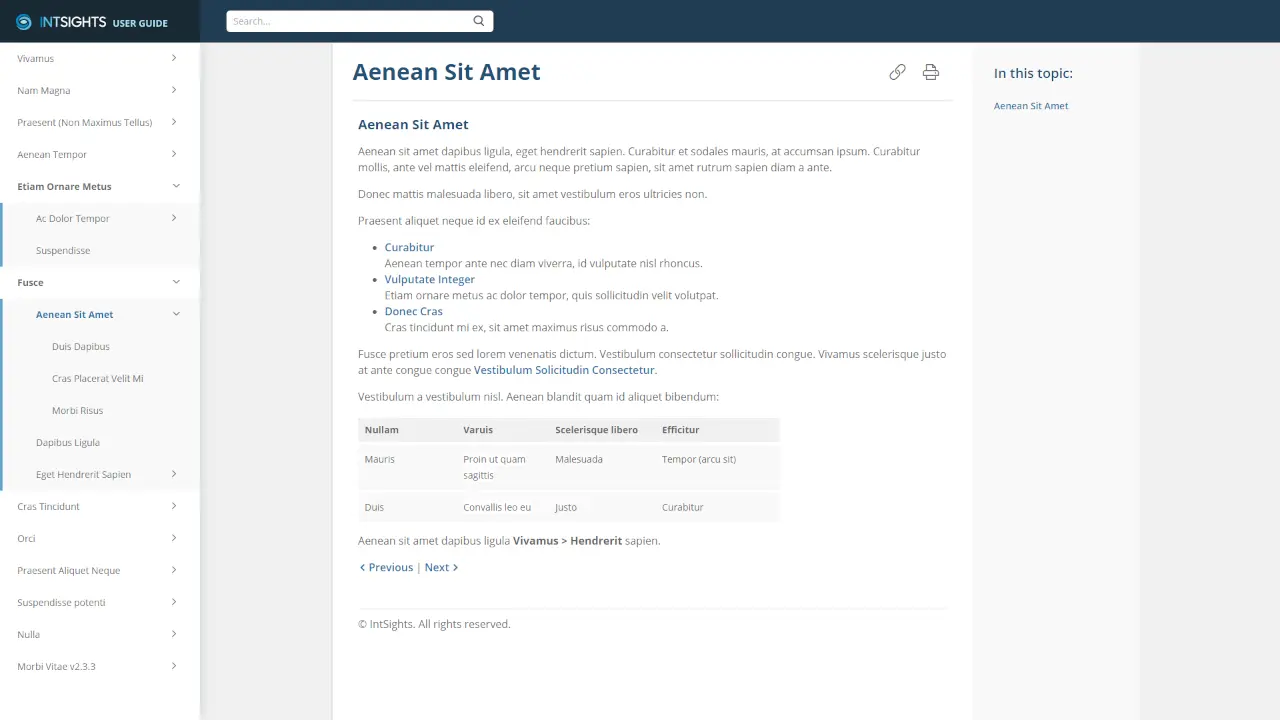
    Intsights is a leading company in the sphere of cybersecurity. They customized the documentation design to correspond to the company's brand colors. The homepage contains nothing extra - all is simple and straight to the point. NB. Since their documentation is restricted and not available to a common user, you can see a placeholder text in topics.
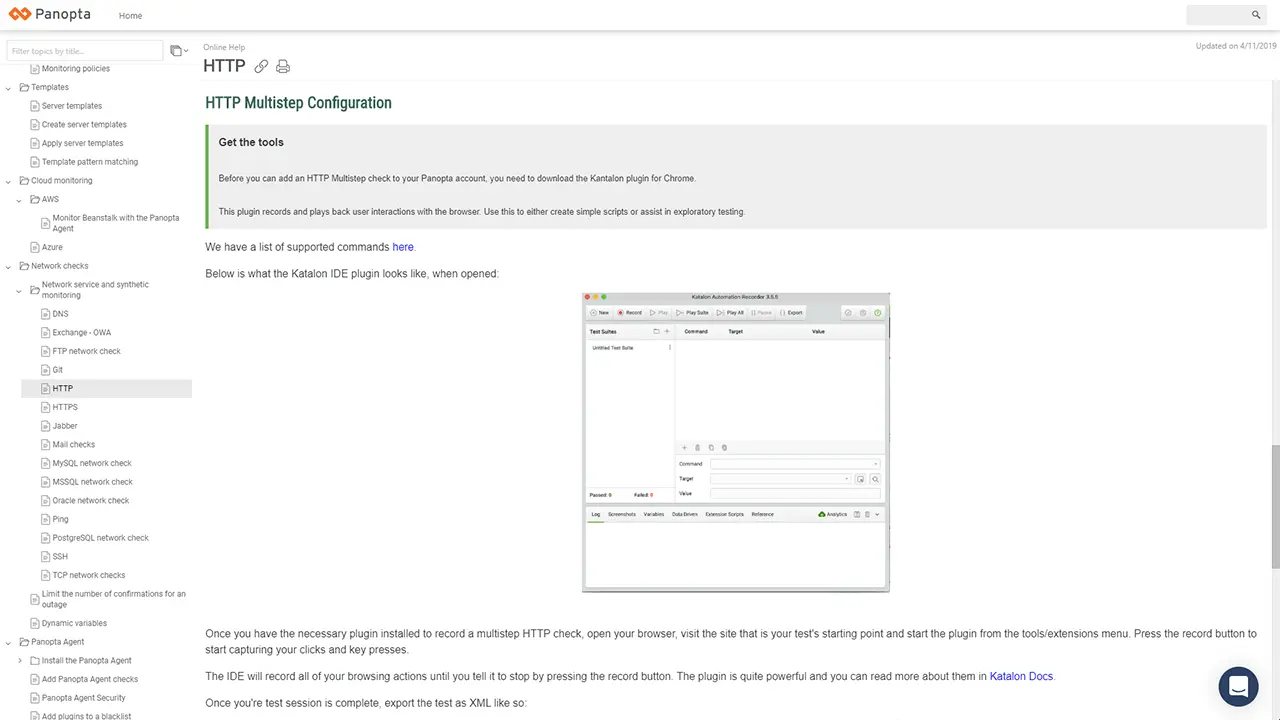
    Panopta Knowledge Hub
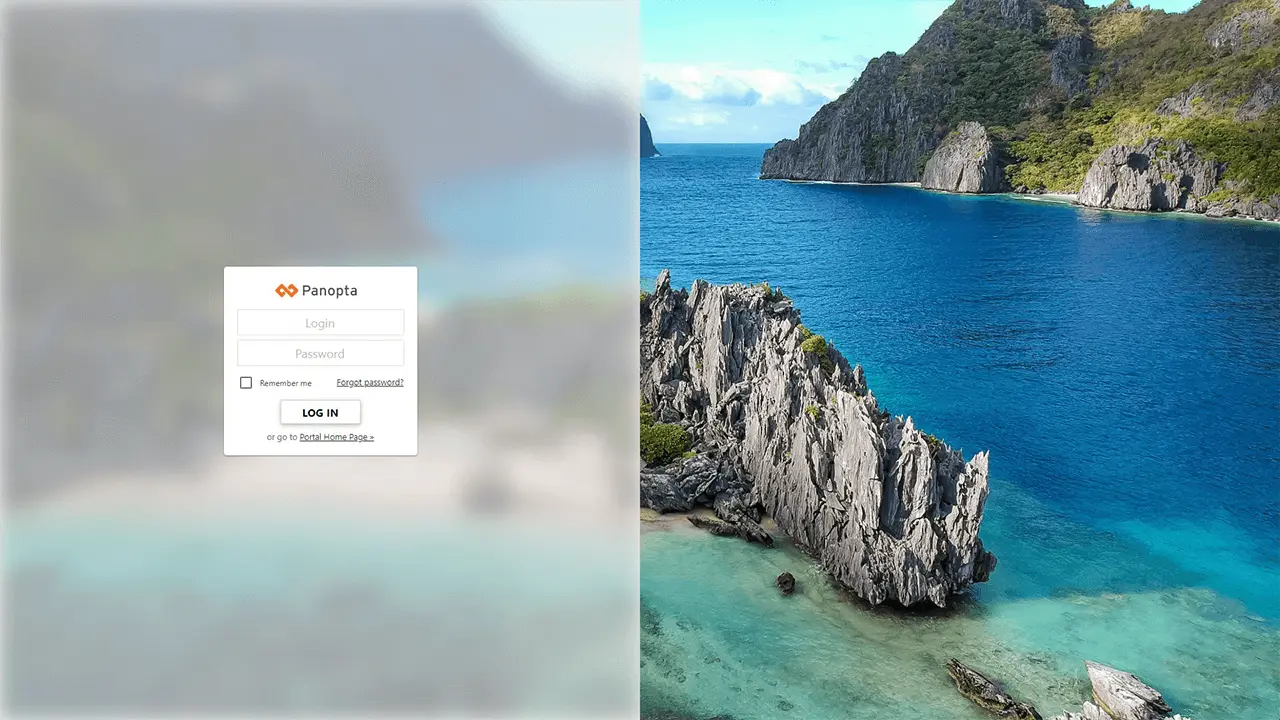
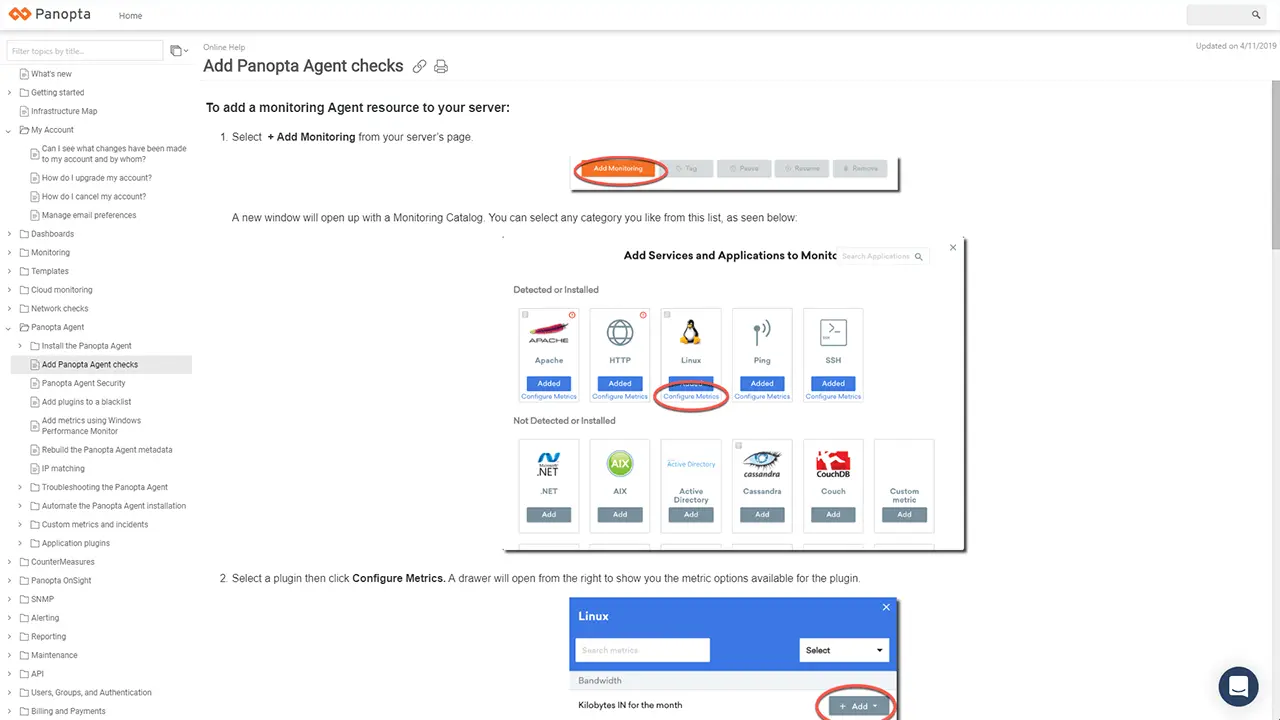
    Panopta decided to adhere to the minimalist design, underlined by their orange accent color. Their portal looks visually light and is clearly structured.
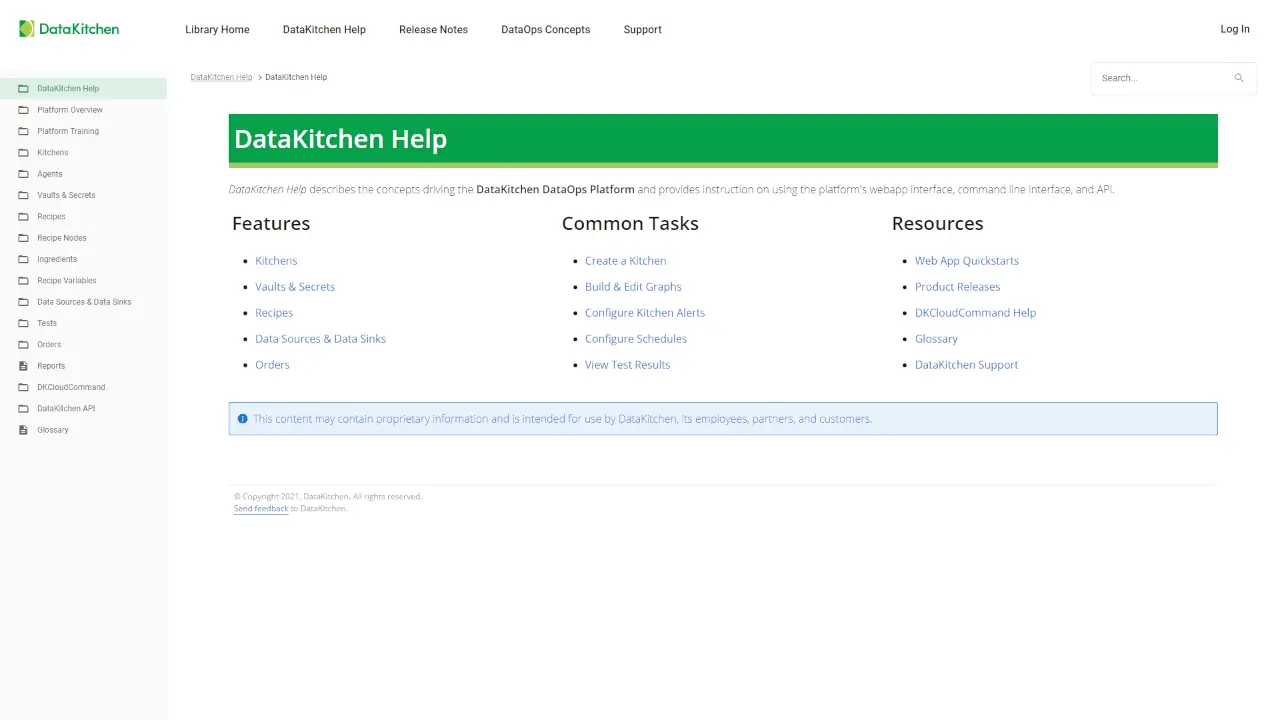
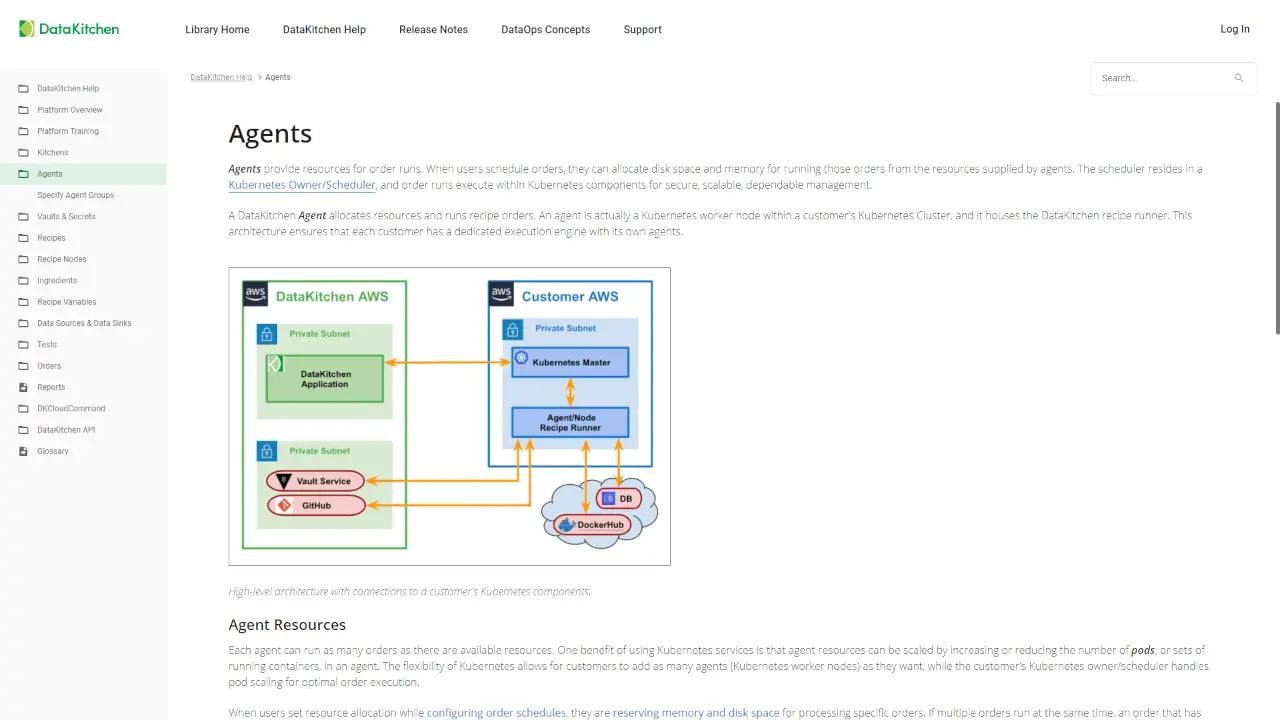
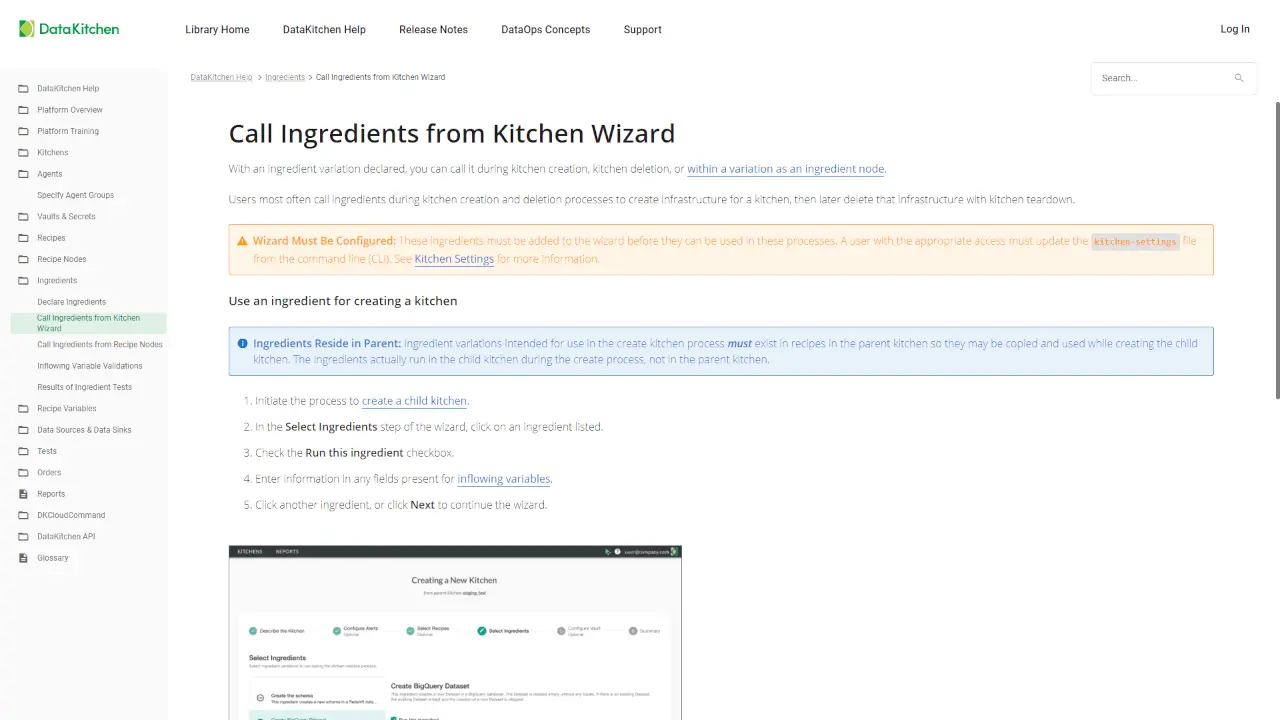
    DataKitchen
    DataKitchen welcomes the reader with white and green colors that meet corporate style. Their homepage consists of a list of essential links. TOC matches the common style. Essential navigation items. Intuitive and strict to the point.
    Final Draft Documentation Portal
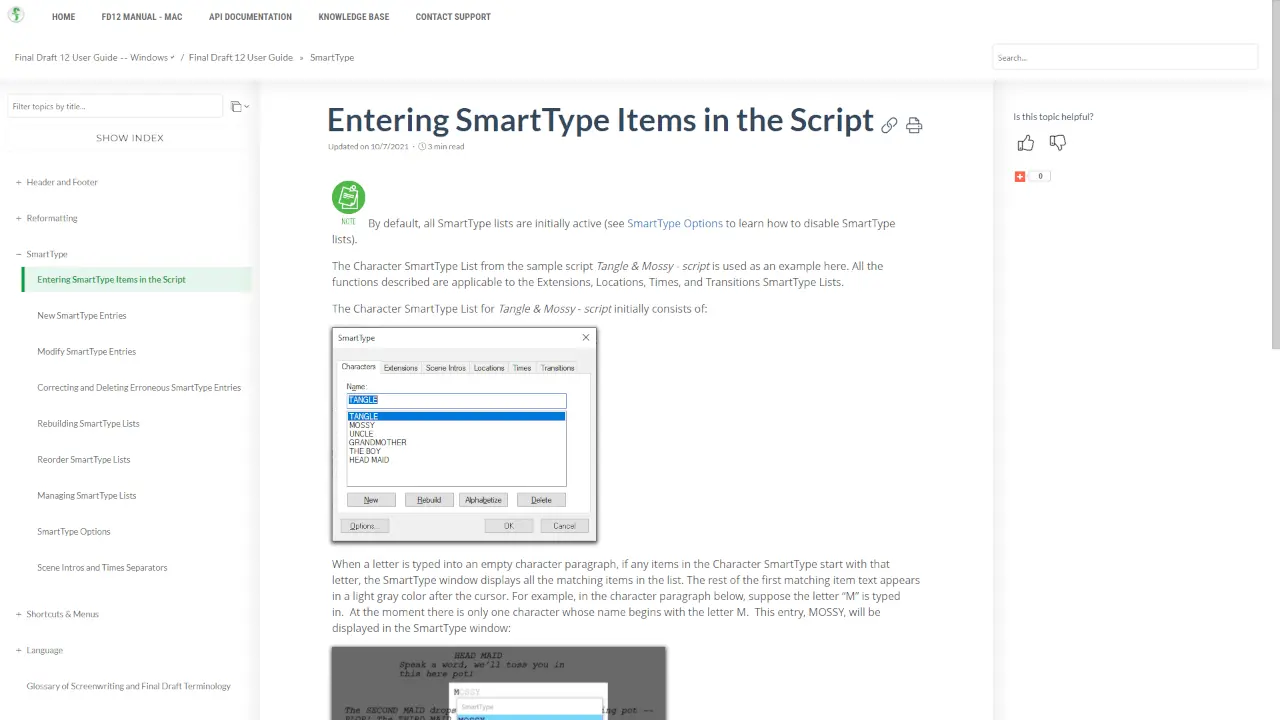
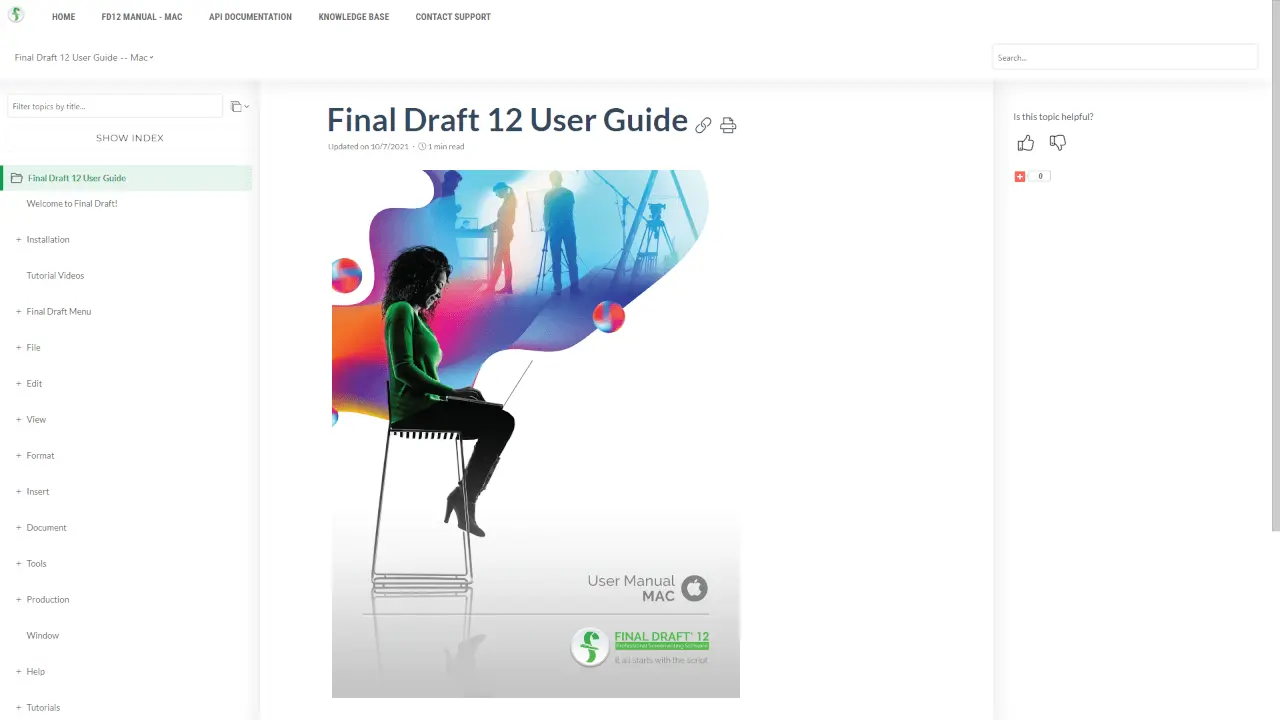
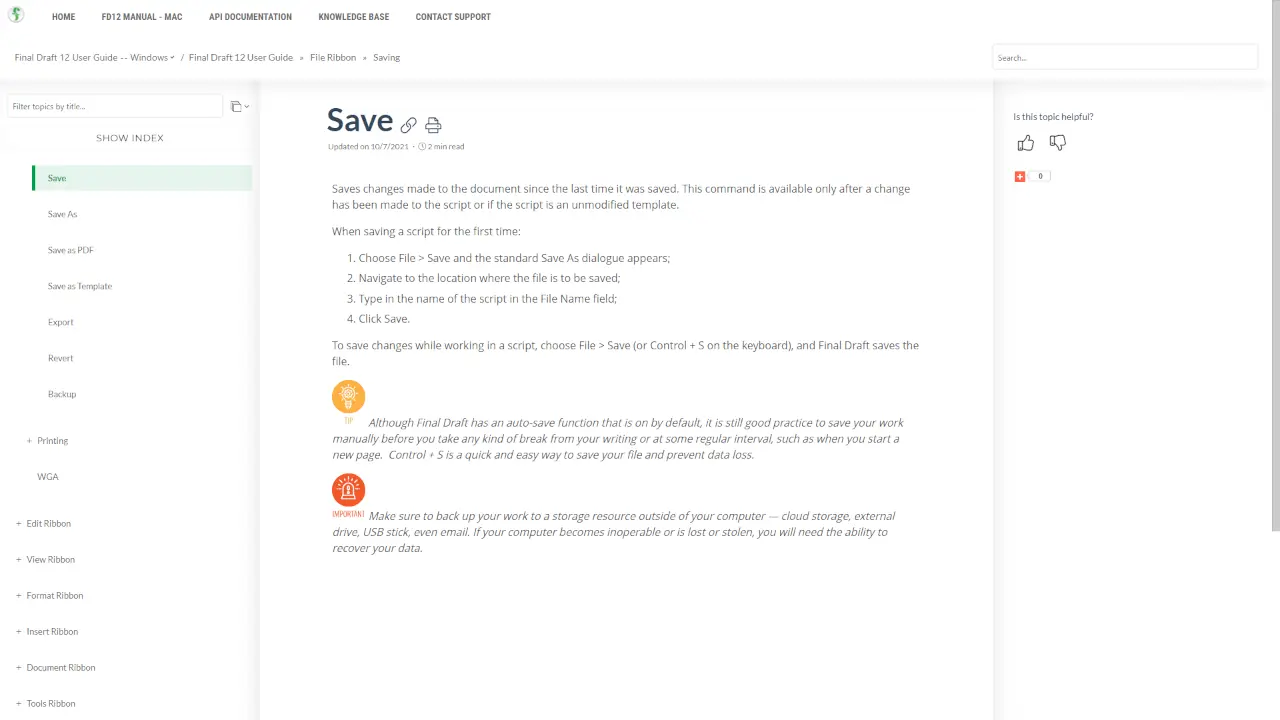
    Final Draft is a screenwriting software leader and entertainment industry standard. Screenwriters also have documentation to manage. The Final Draft portal is a great example of how to handle various documentation types in a single place. The logical homepage consists of important links and videos. The dark colors add style to the portal.
    View Online
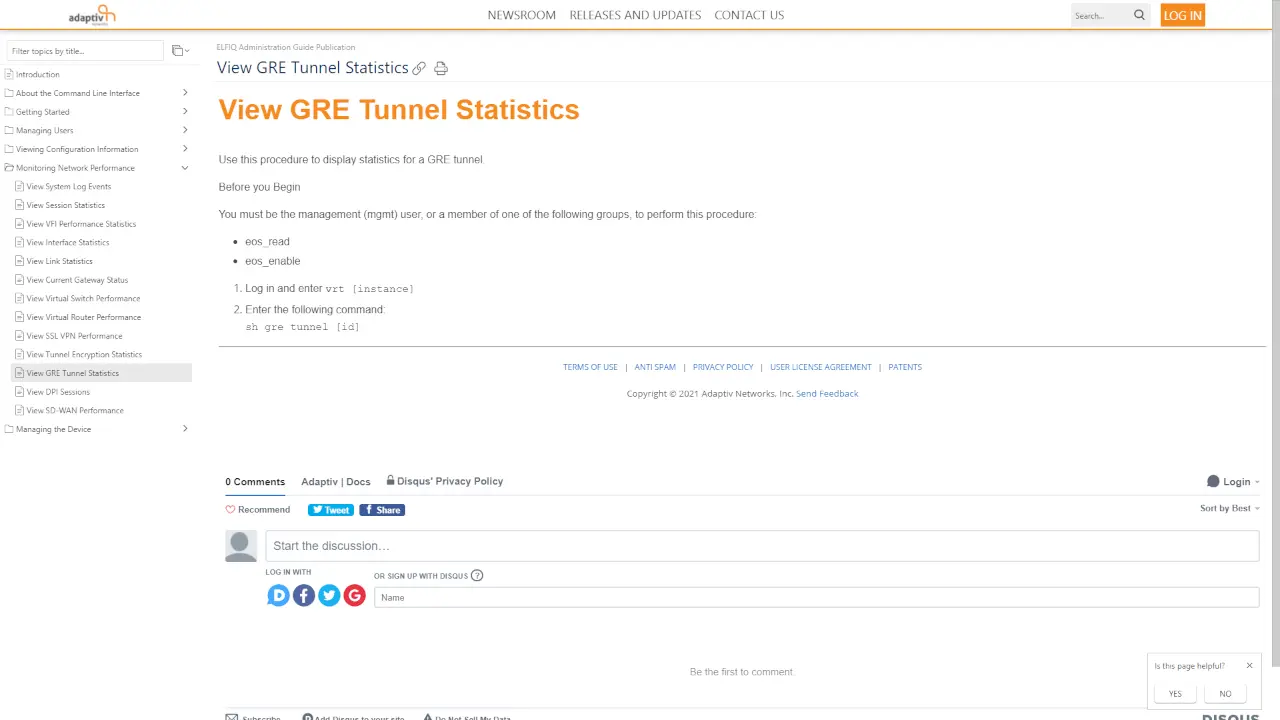
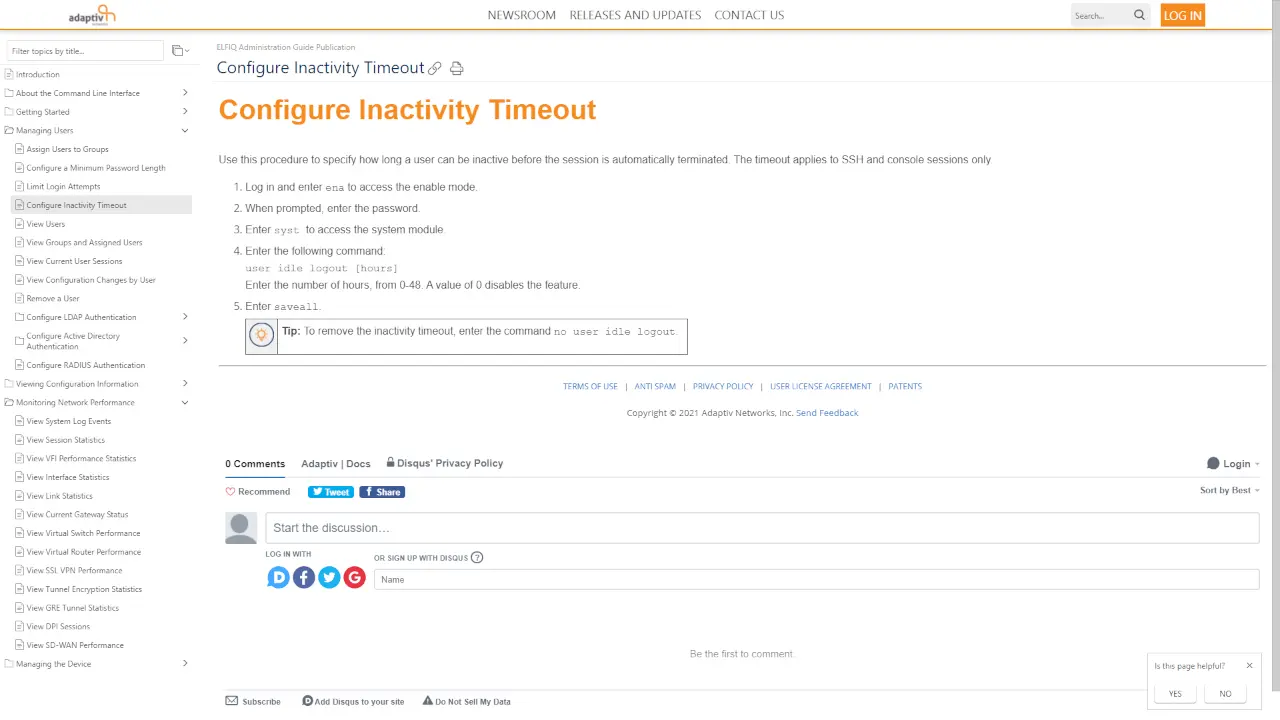
    Adaptiv Networks Documentation Portal
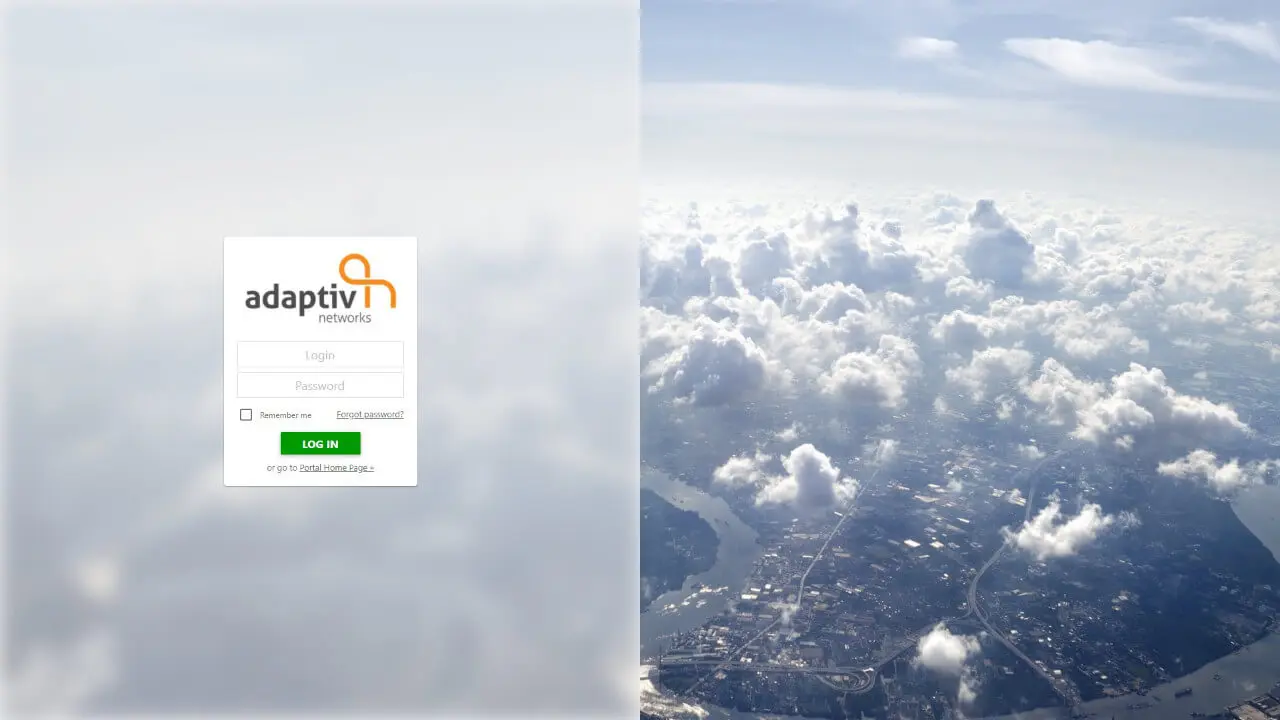
    Adaptiv Networks have chosen a conservative design. Simplicity is never out of season. Standard page background of documents highlighted with their orange accent color. Accessible, logical, straightforward.
    View Online
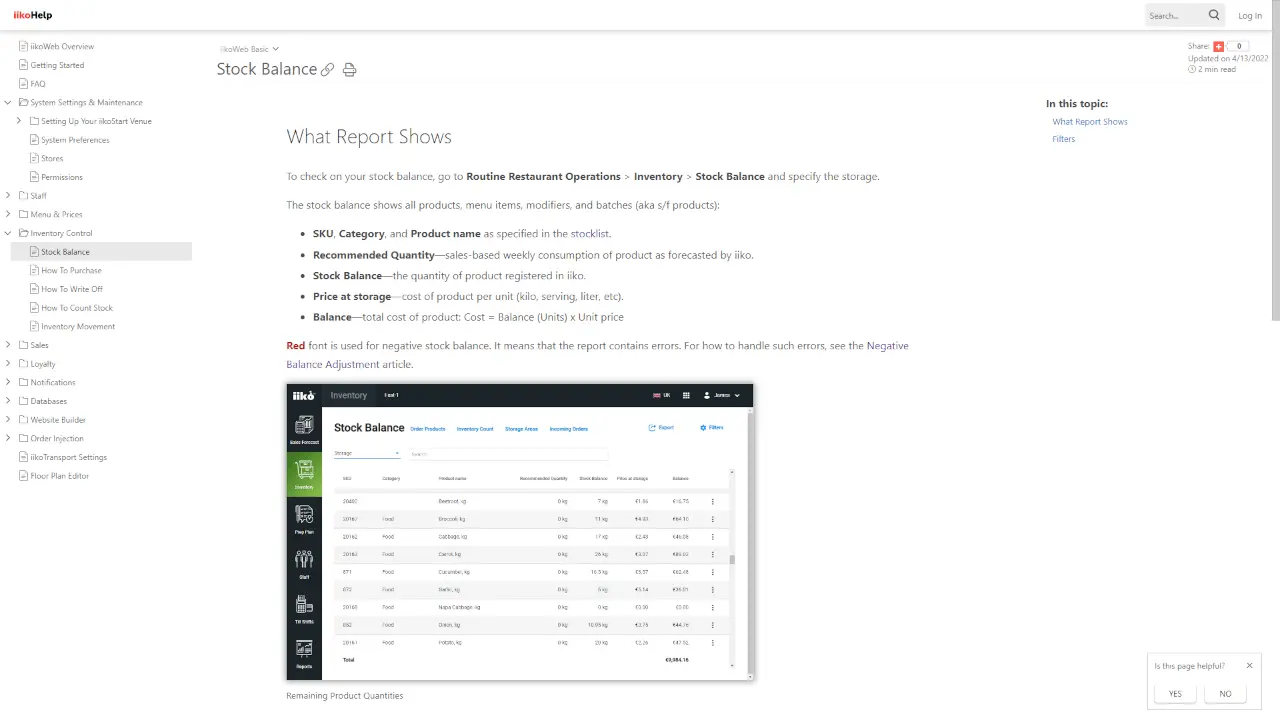
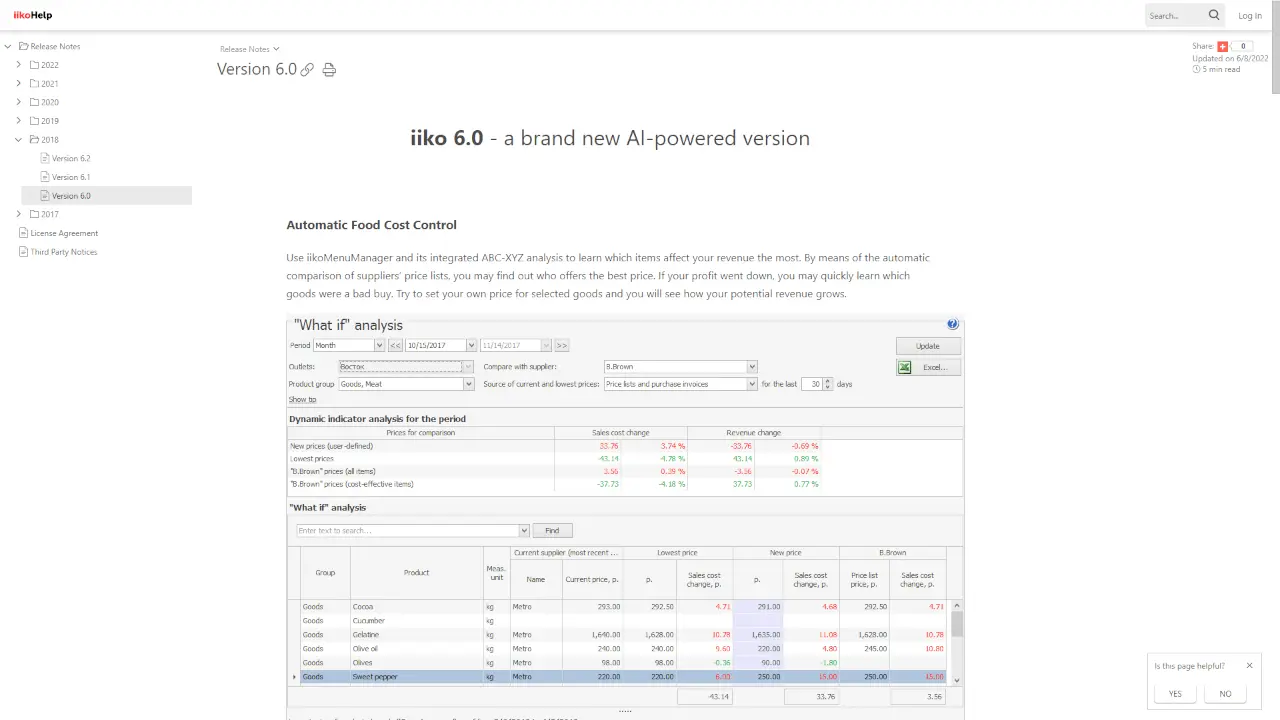
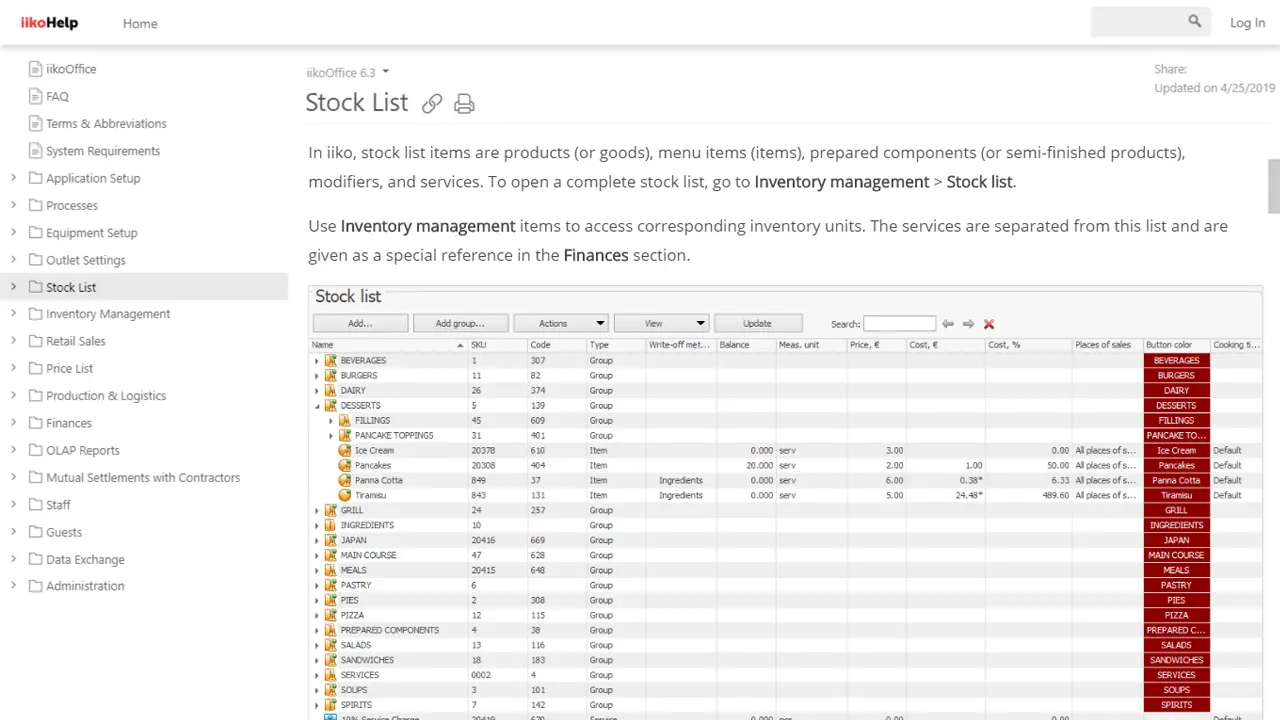
    iiko Documentation Portal
    The iiko portal is a good example of how you can manage different types of documentation from a single place. They have various documentation types, ranging from product manuals (with different versions of software supported) to GDPR support guides and license agreements.
    View Online
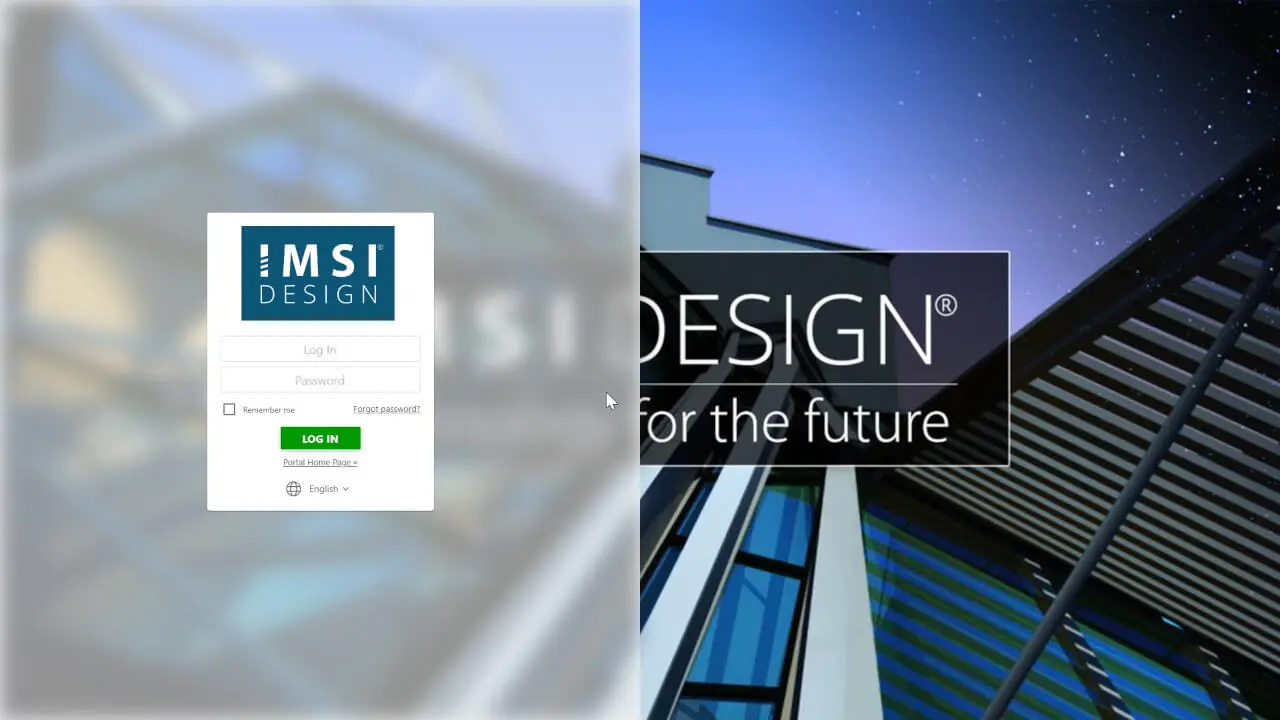
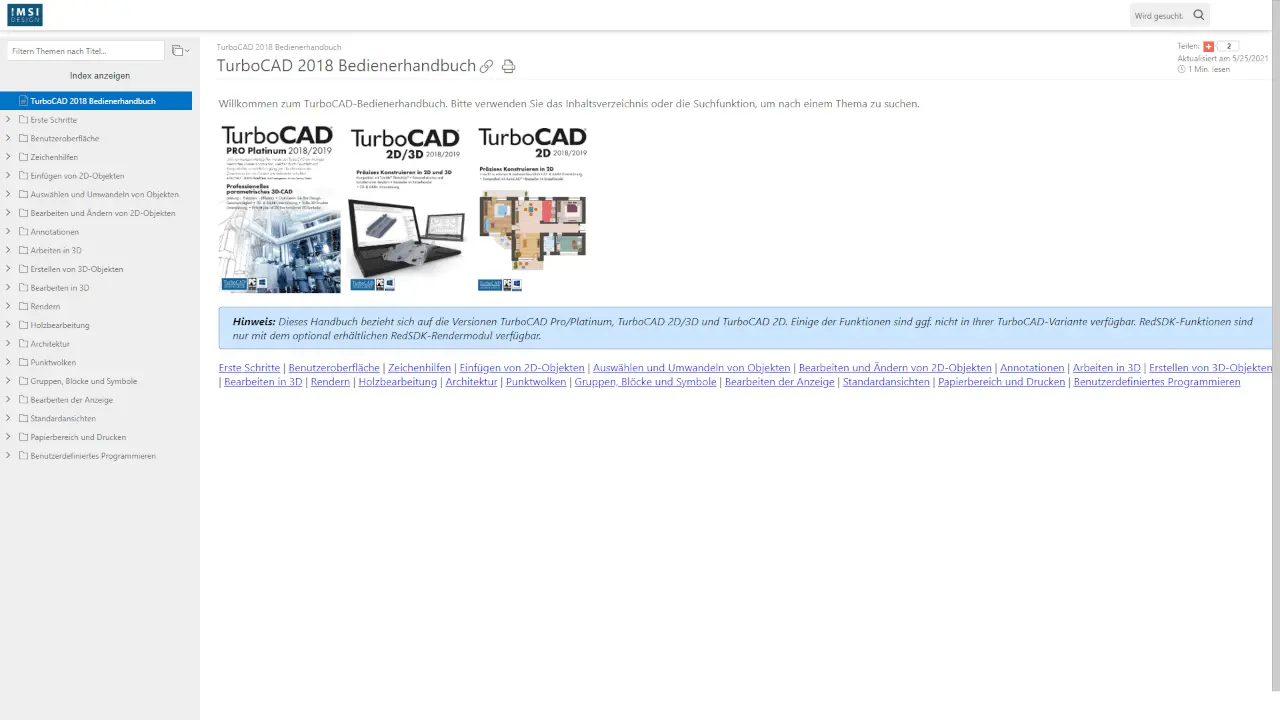
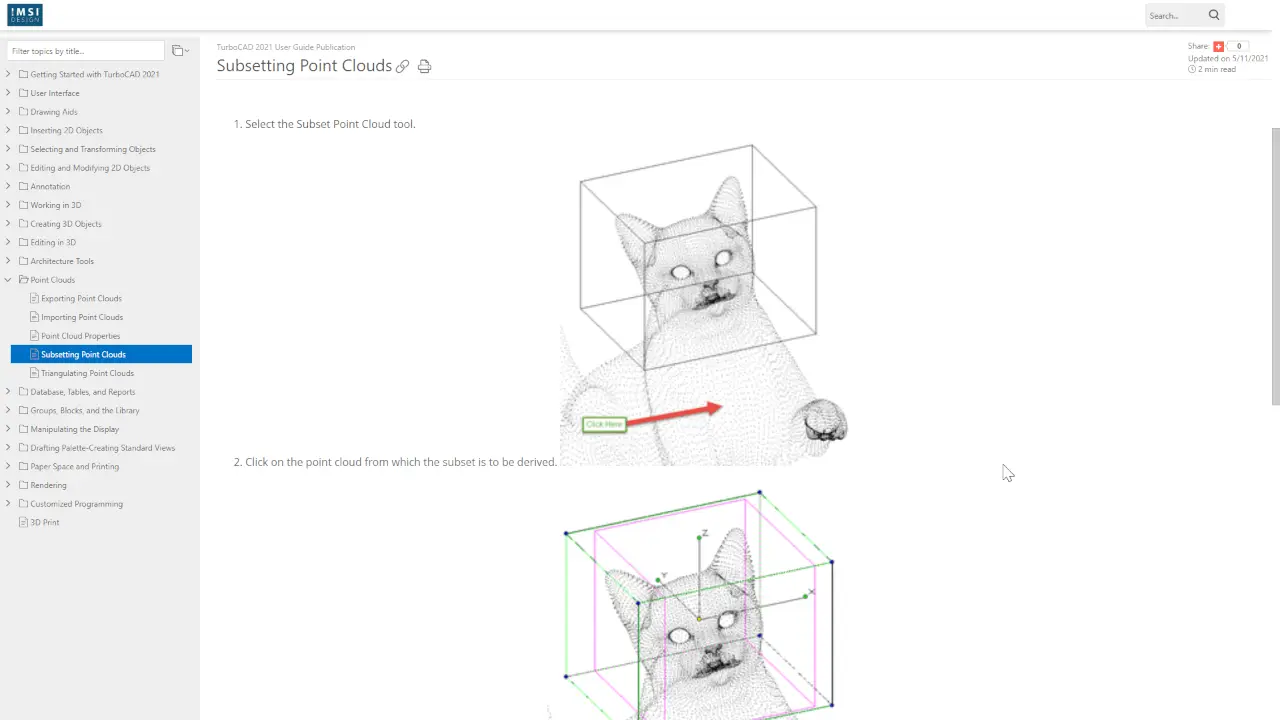
    TurboCAD Documentation Portal
    IMSI Design, the company behind TurboCAD, gave their homepage a nice overhaul with dark colors. Each documentation is quickly accessible from the homepage.
    View Online
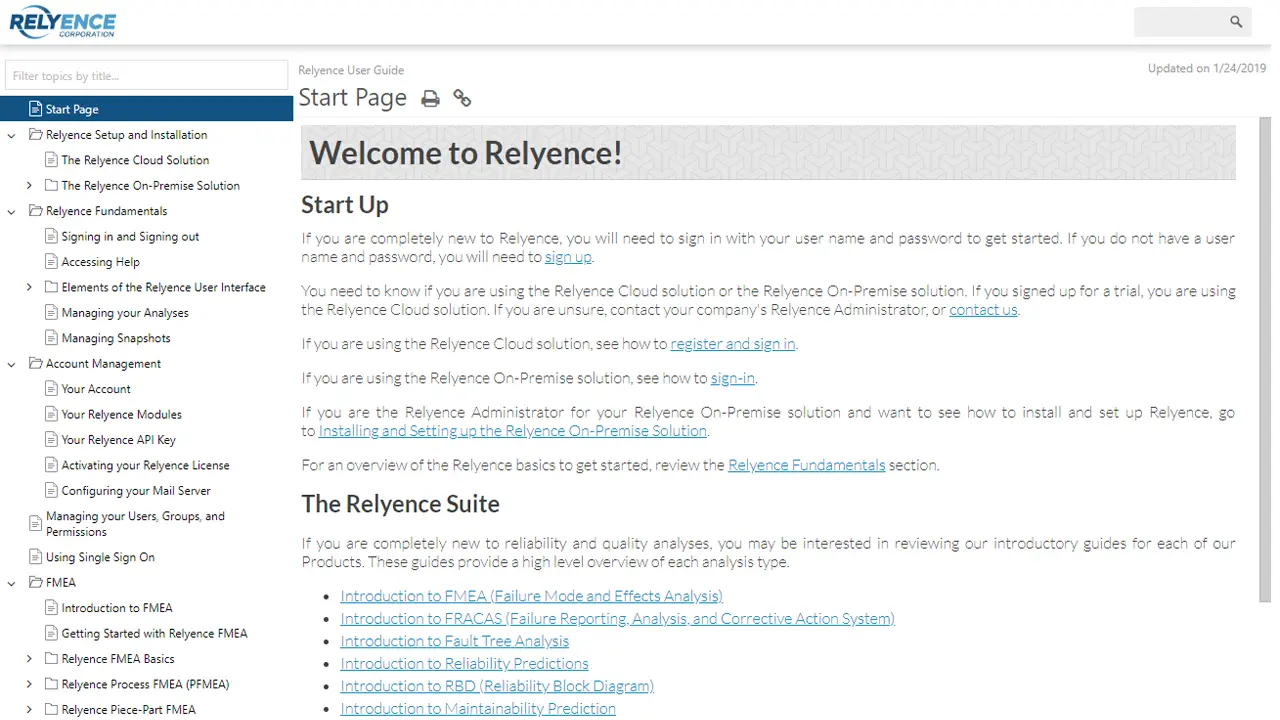
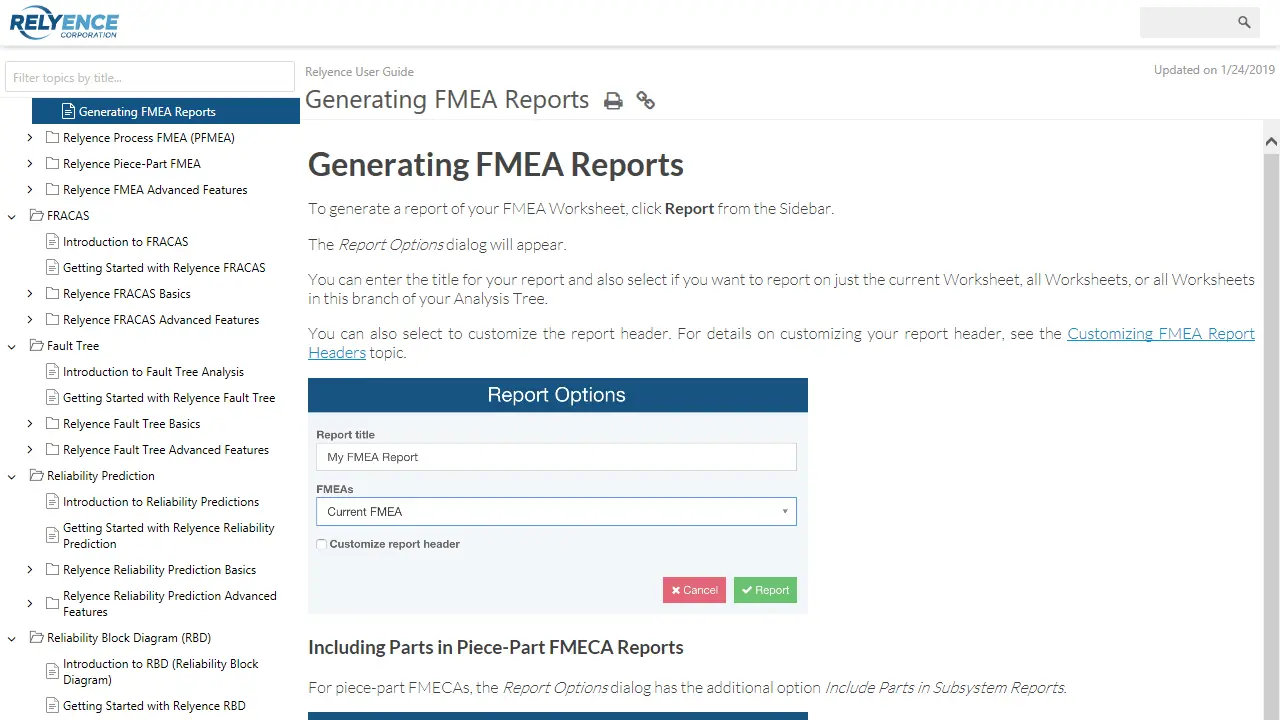
    Relyence User Guide
    Relyence changed the homepage layout completely. They stick to the minimalistic approach which also found its way in their documentation, where clear typography and minimal styling prevail.
    View Online
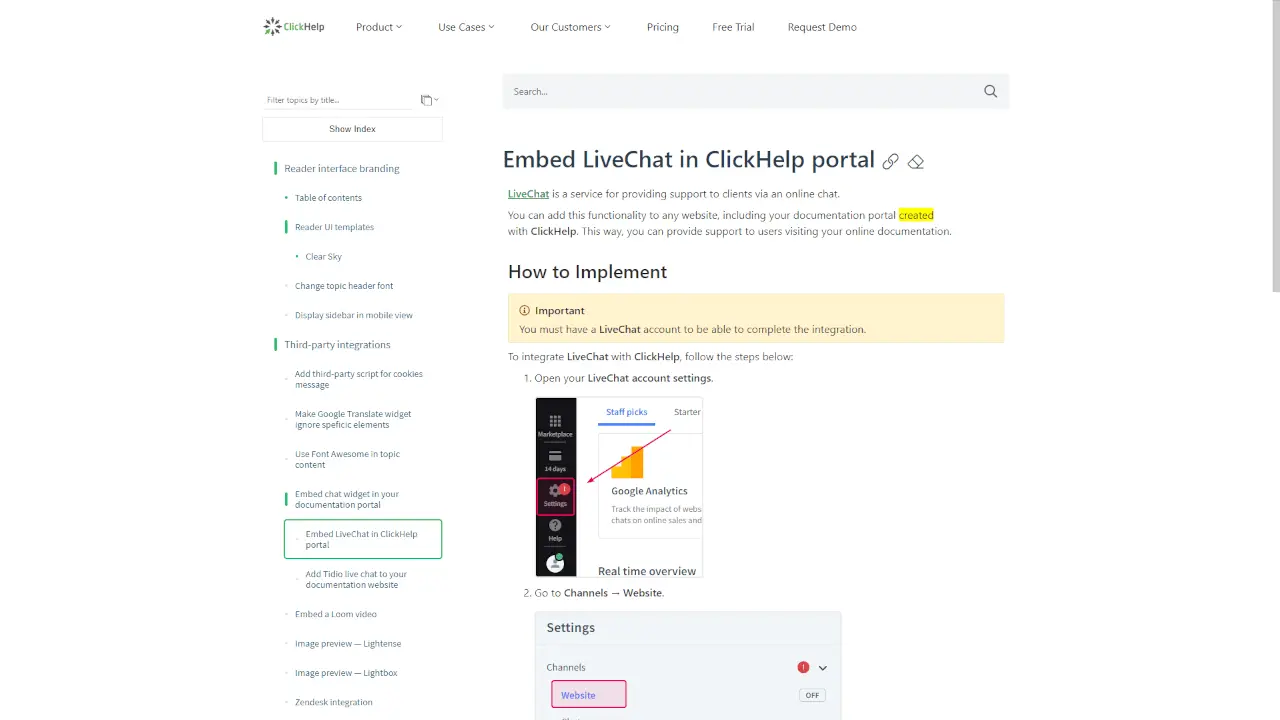
    ClickHelp Knowledge Base
    Our own portal is made in pure white colors. On the home page, you can find blocks with valuable information by themes and links to popular articles. Typography and brand colors are consistent throughout the site.
    View Online
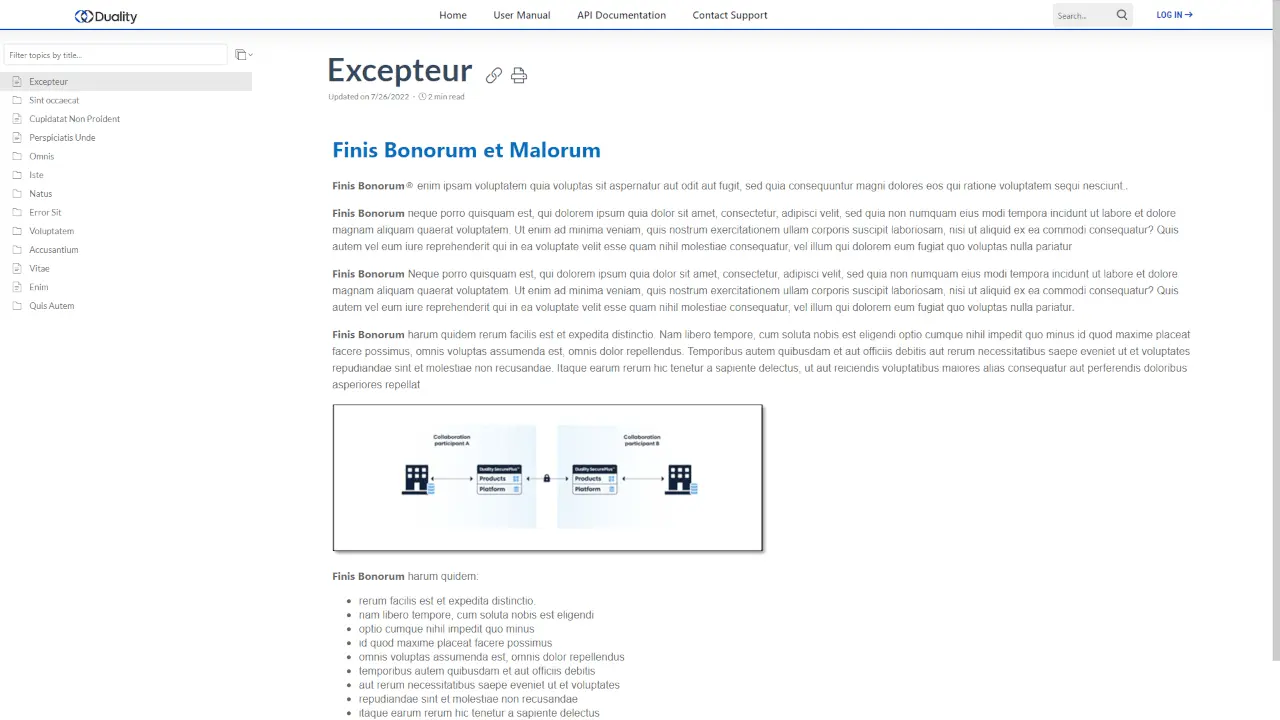
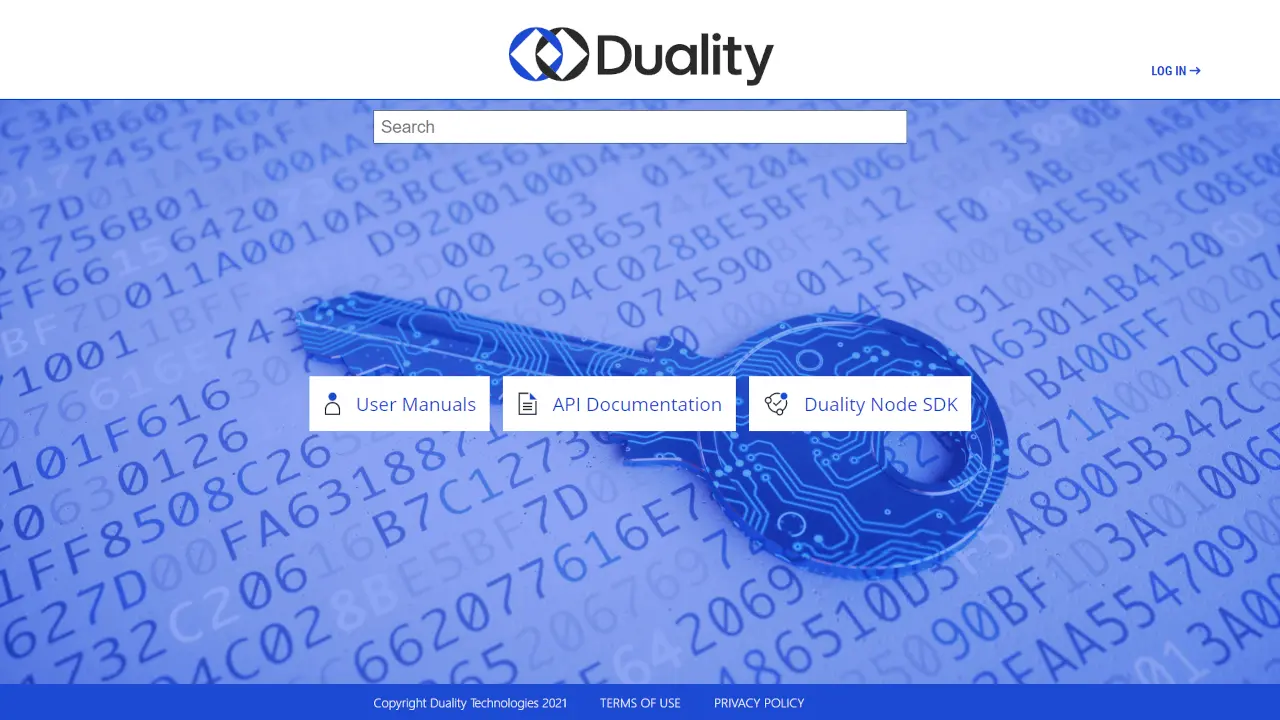
    Duality Documentation Portal
    Duality is a company that specializes in secure data collaboration. The Duality portal expresses its serious approach to security: a minimalistic design, logical documentation structure, and clear navigation.

    Branding options

    Settings

    Flexible branding configuration for customizing your portal and documentation

    Templates

    Pick one of the ready-to-use templates and get your manuals ready for quick delivery

    Services

    Our branding team will help you get the exact design you need

    Built-In Portal Templates

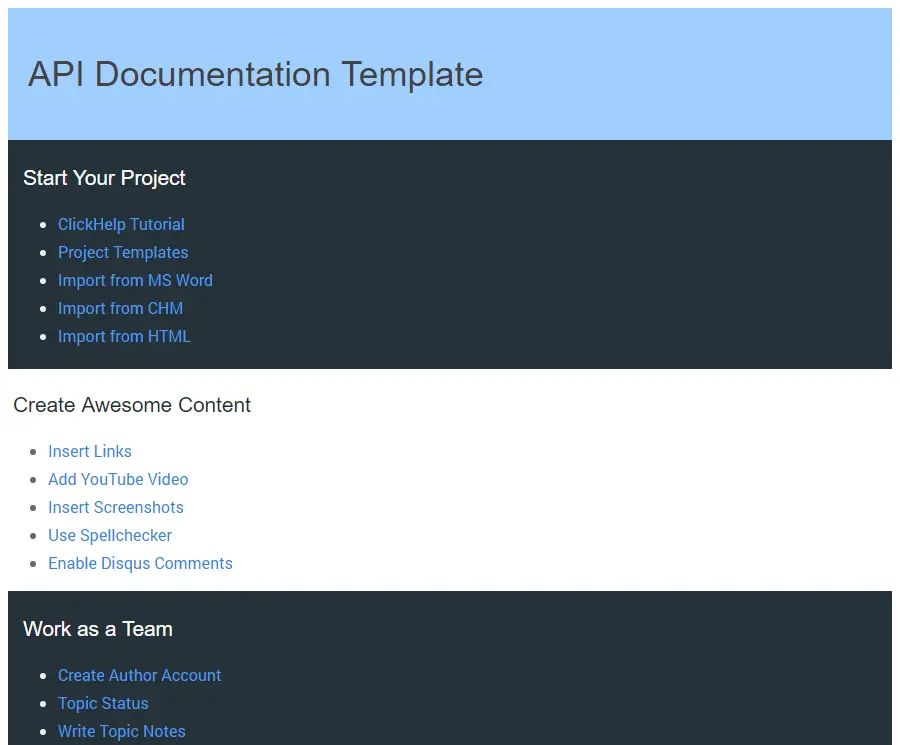
    Api Documentation Template
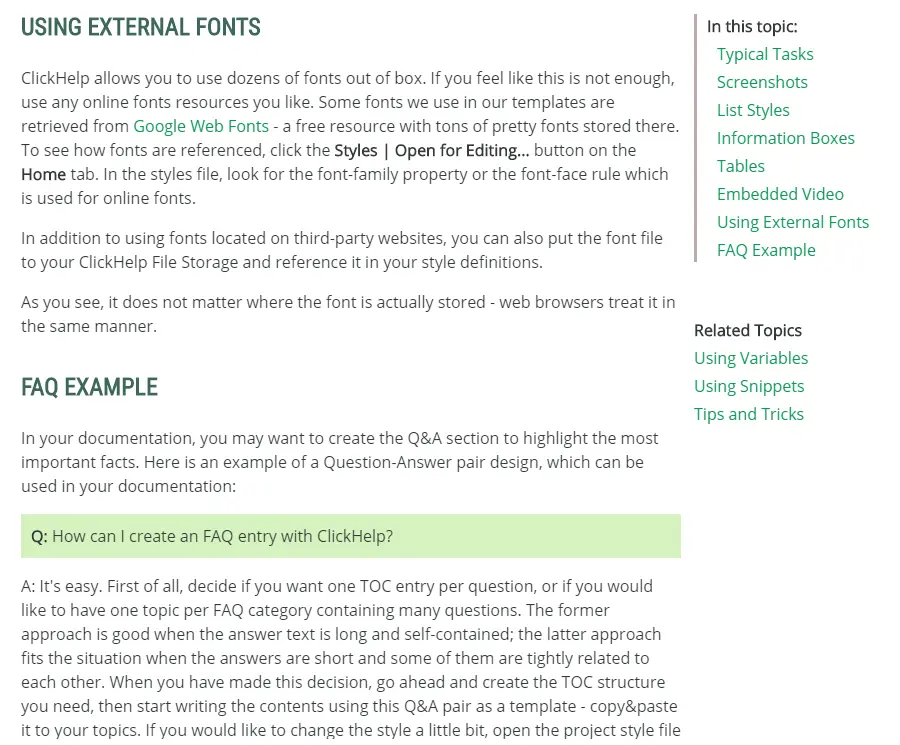
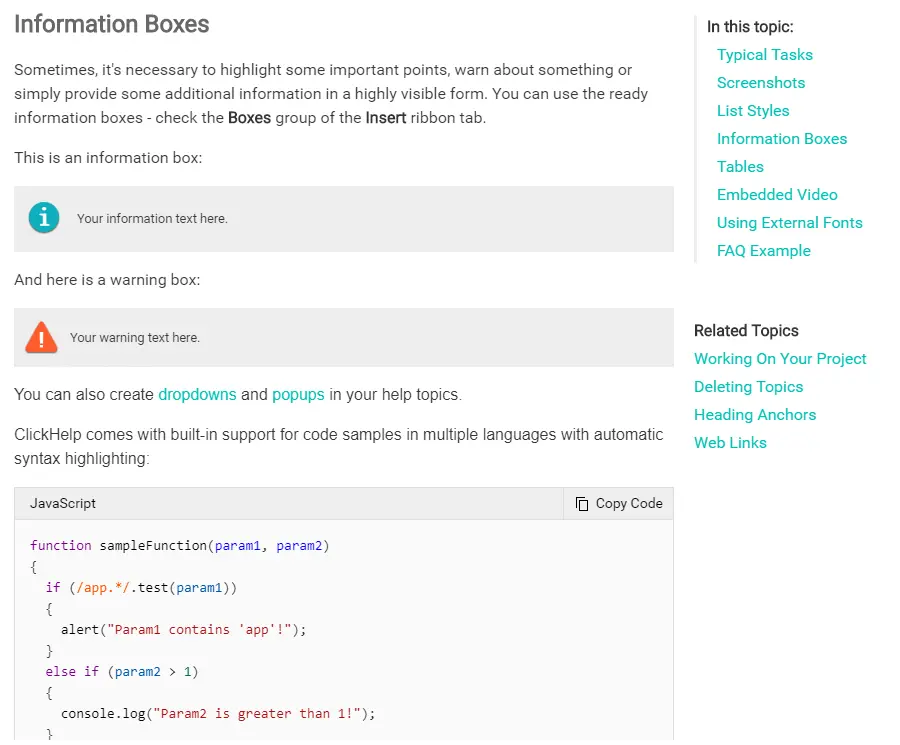
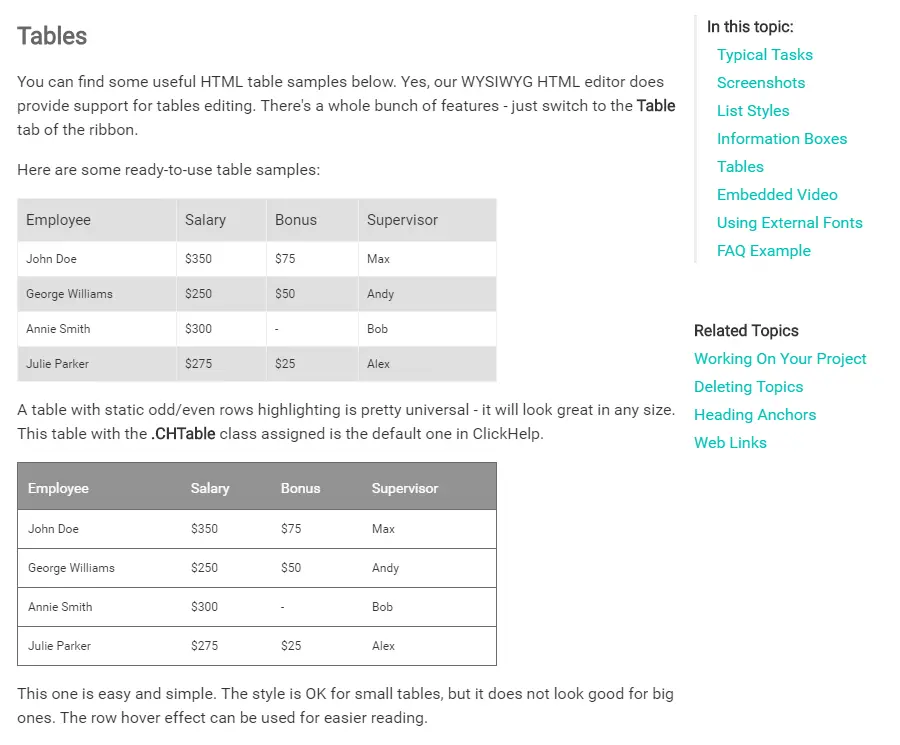
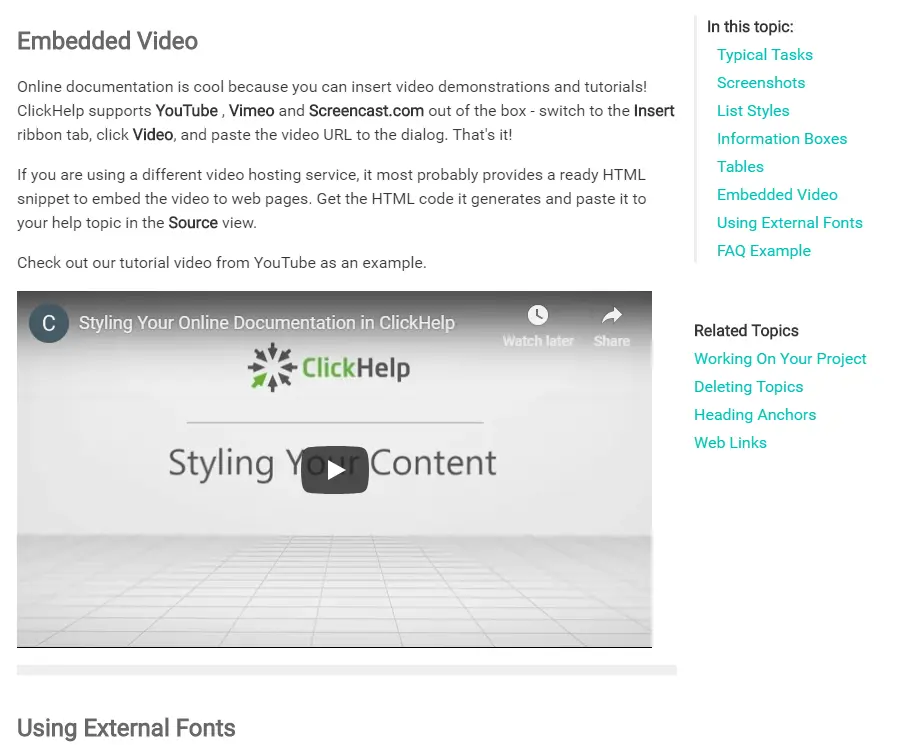
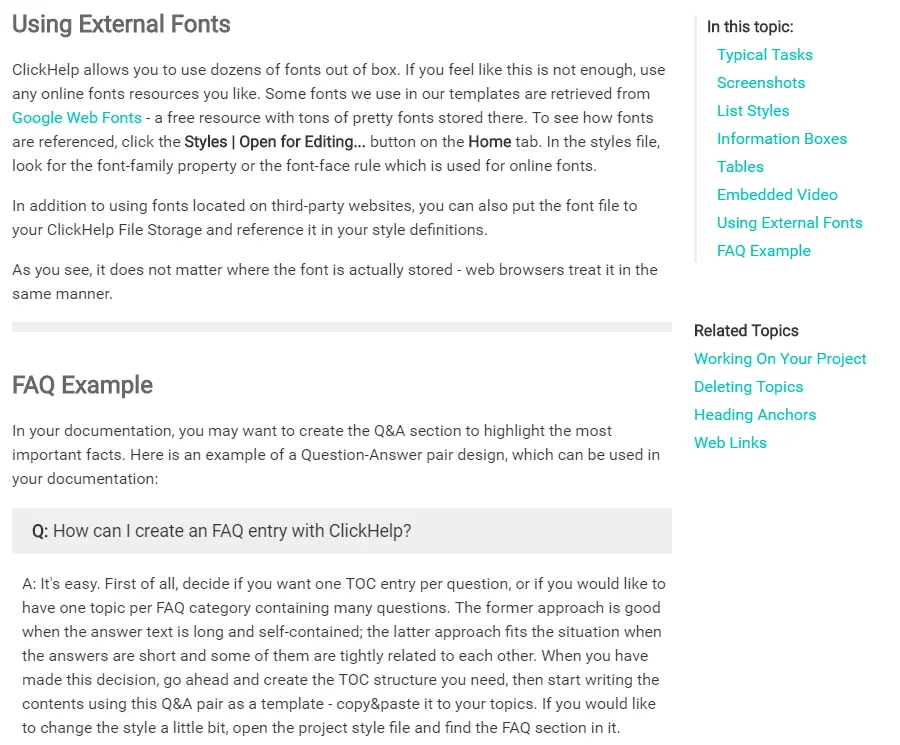
    If you want your documentation portal to look crisp and professional - try this template. It features large icons and typography for each publication. If you want to provide additional points of entry for your users, there’s a “Getting Started” section with direct links to specific topics.
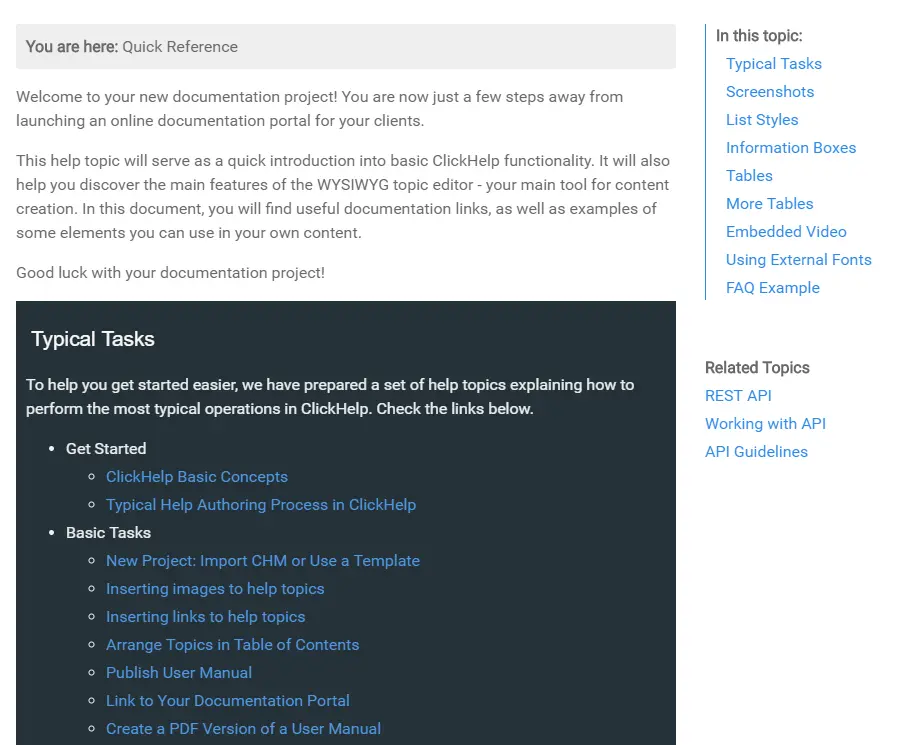
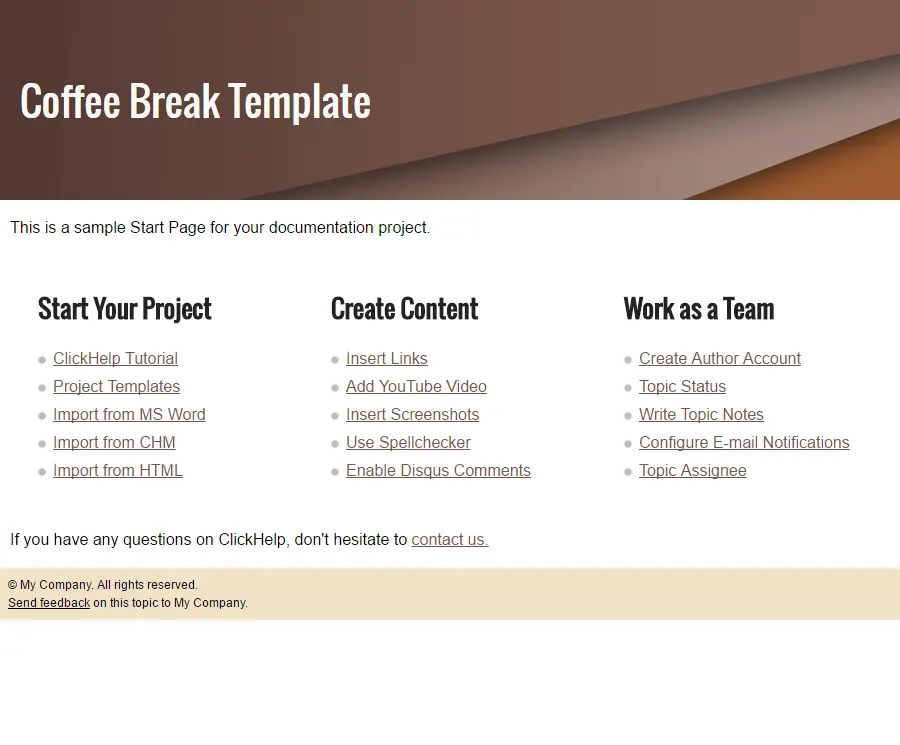
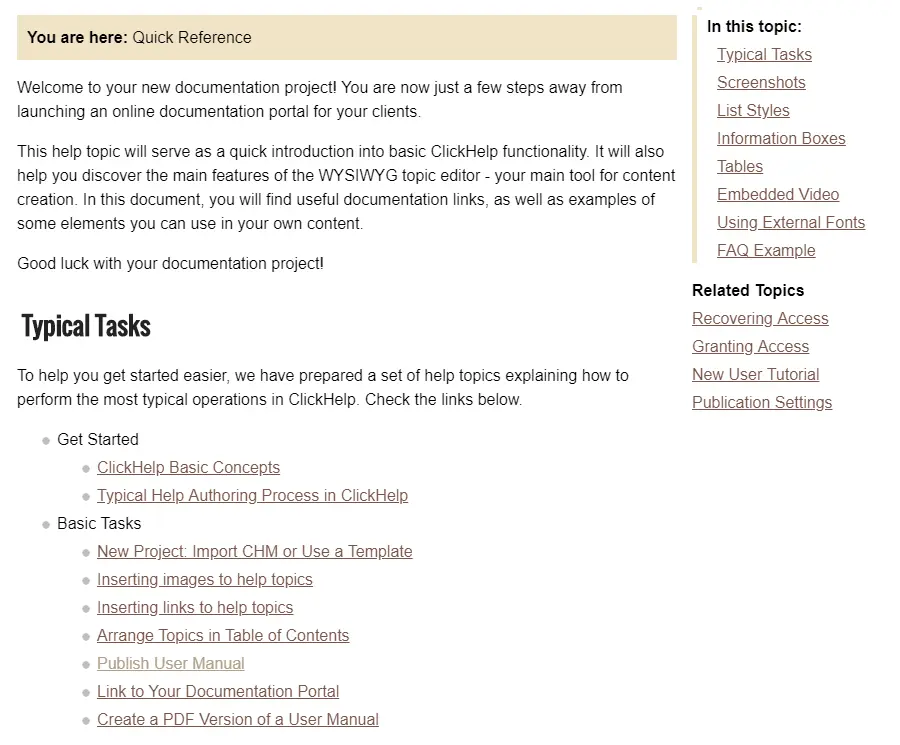
    Coffee Break Template
    This template can provide somewhat of a laid-back feel, with warm and soft colors. The layout allows you to use long documentation names, as they occupy a whole column. This template has a default “Getting Started” section as well for quick access to the most valuable articles in your documentation.
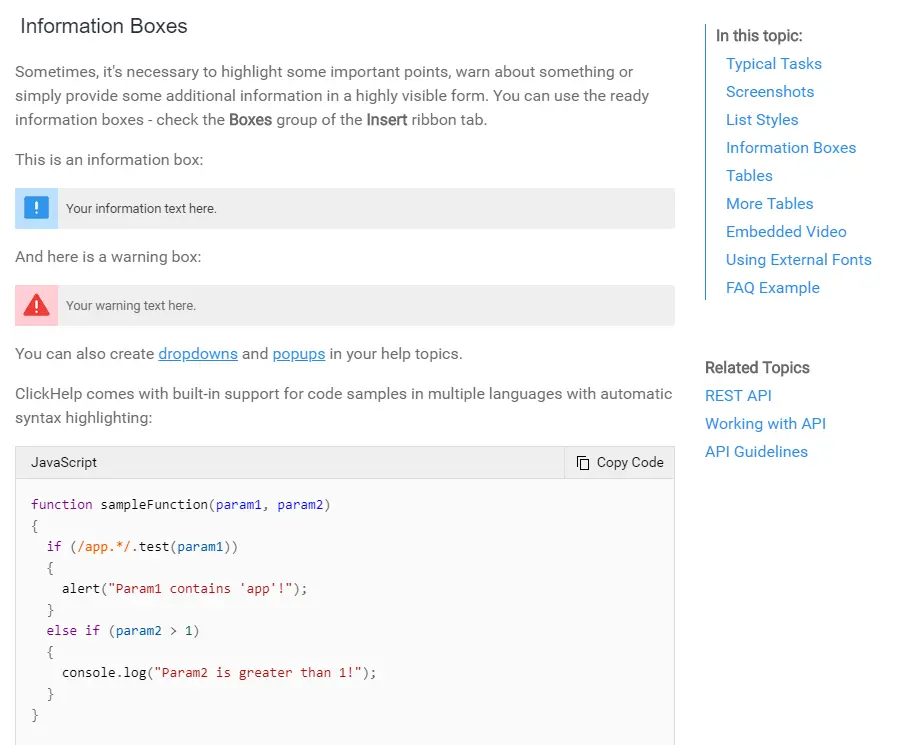
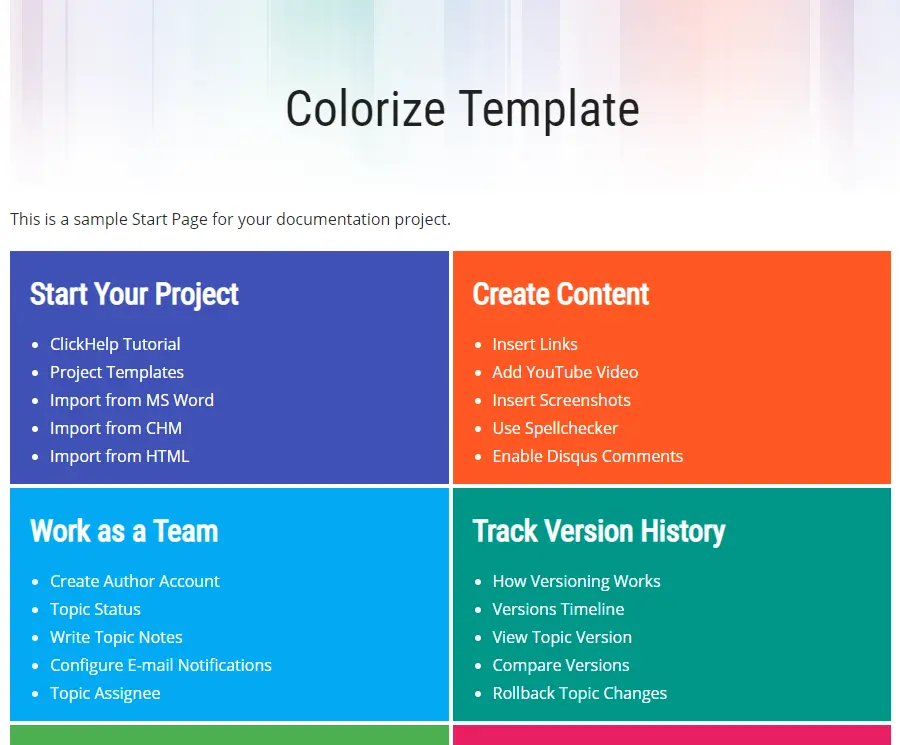
    Colorize Template
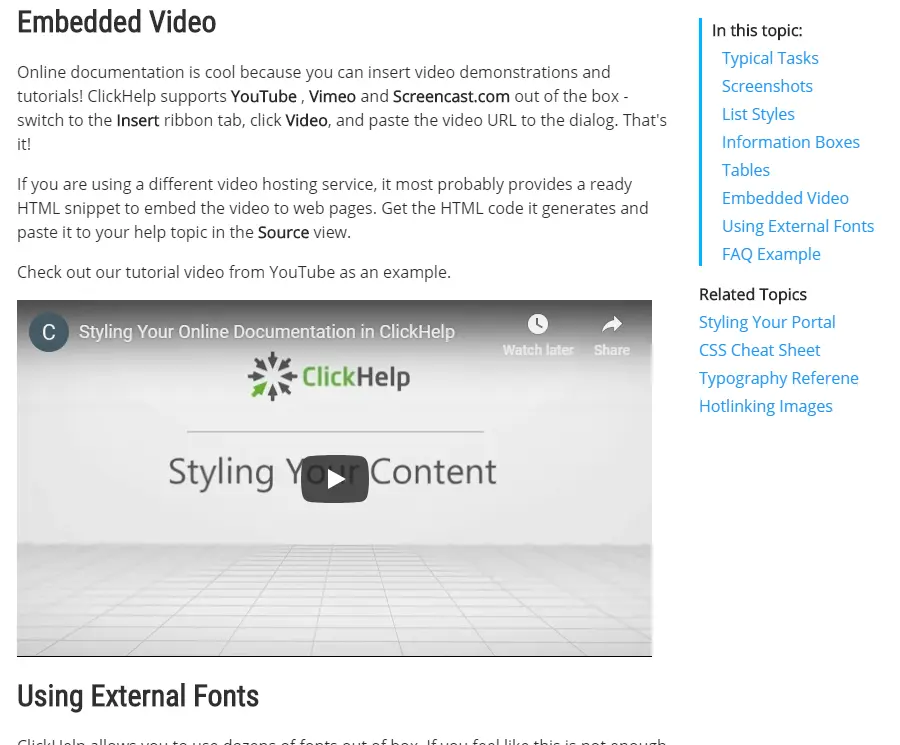
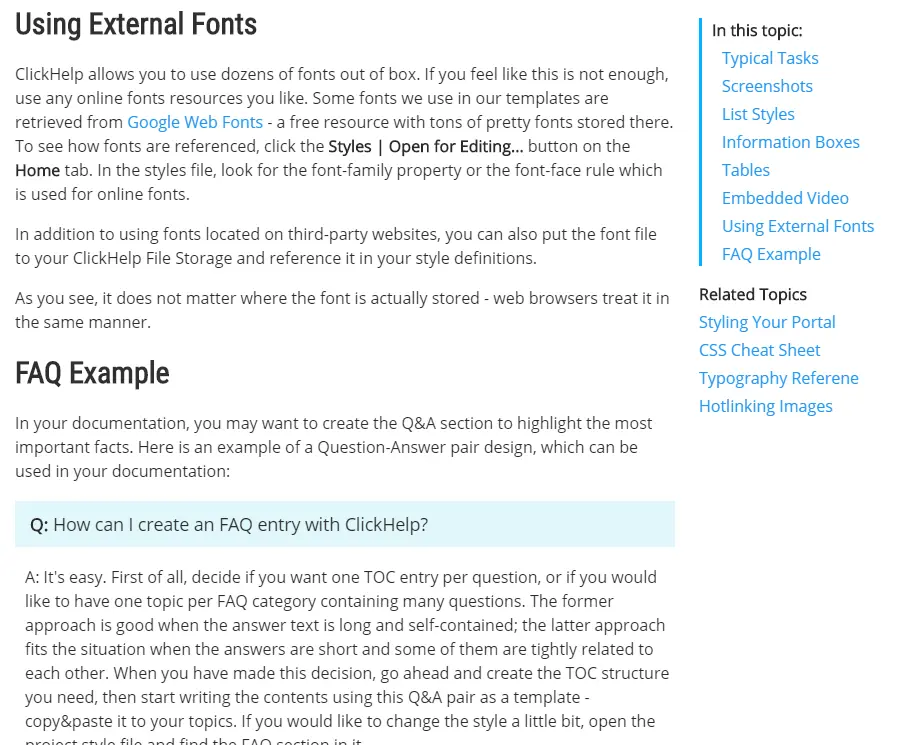
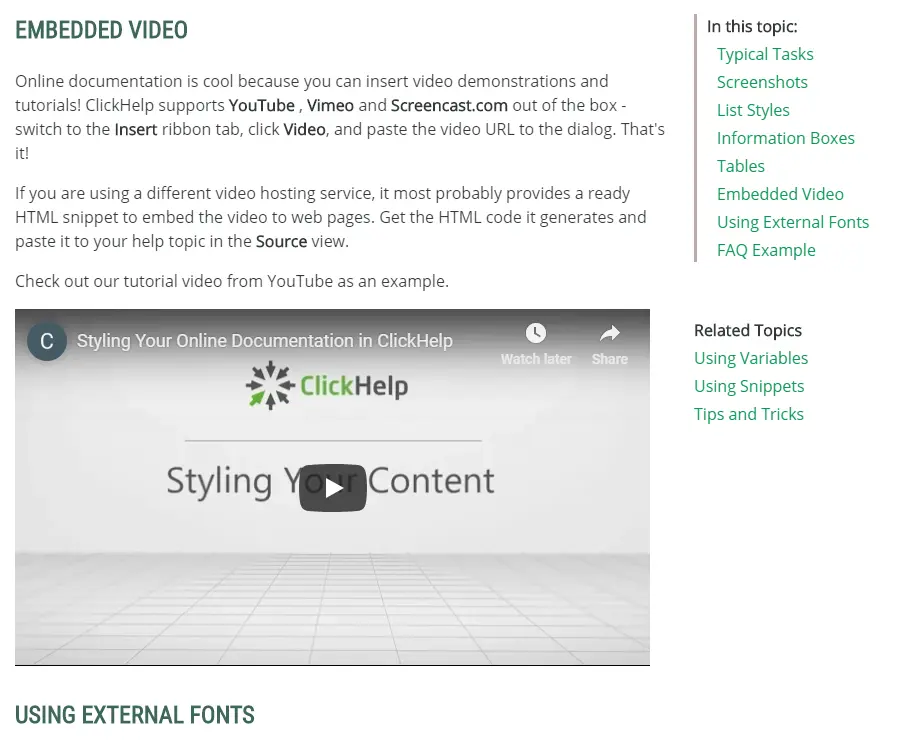
    If you want your documentation portal to stand out, we made the “Colorize” template, which uses bright colors. Just like “Coffee Break”, it allows you to use long documentation names. Additionally, there’s a video to the left you can easily change into yours. Below is an FAQ section that you can expand with your own content
    Minimalist Template
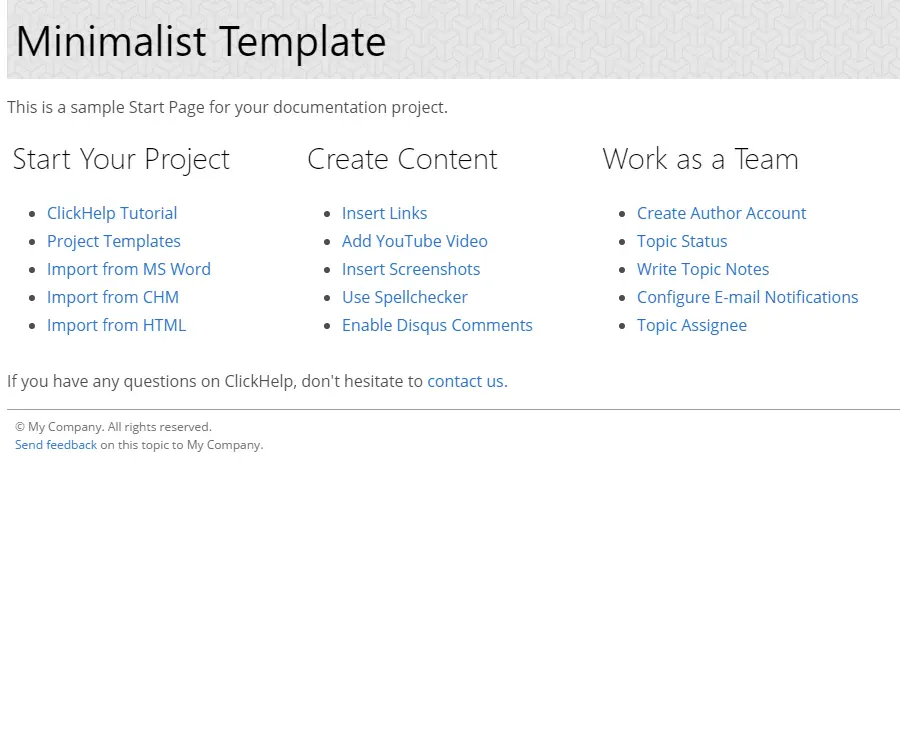
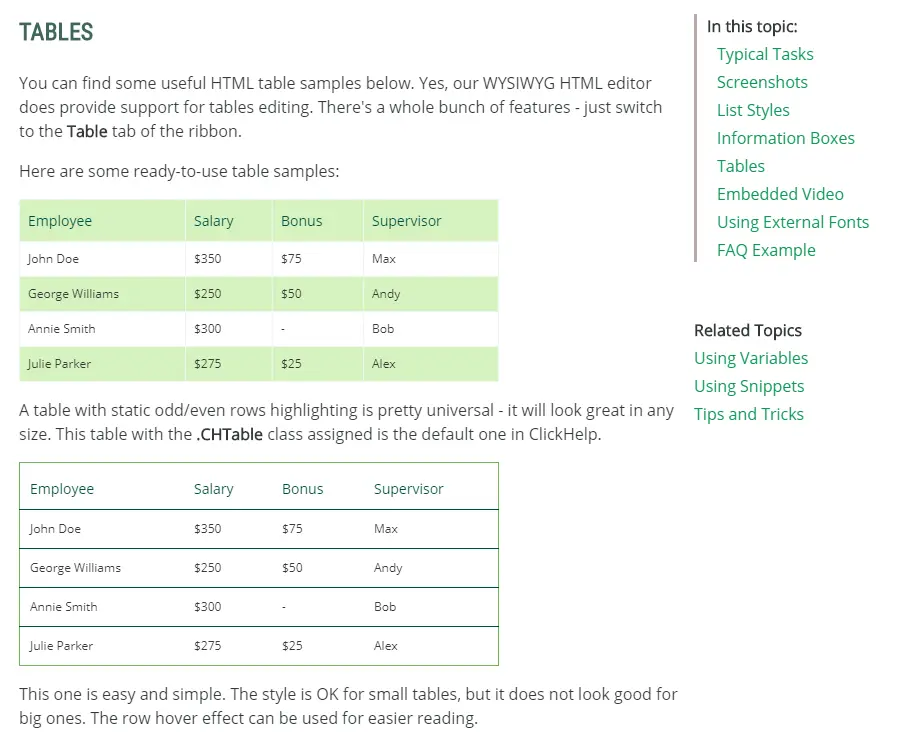
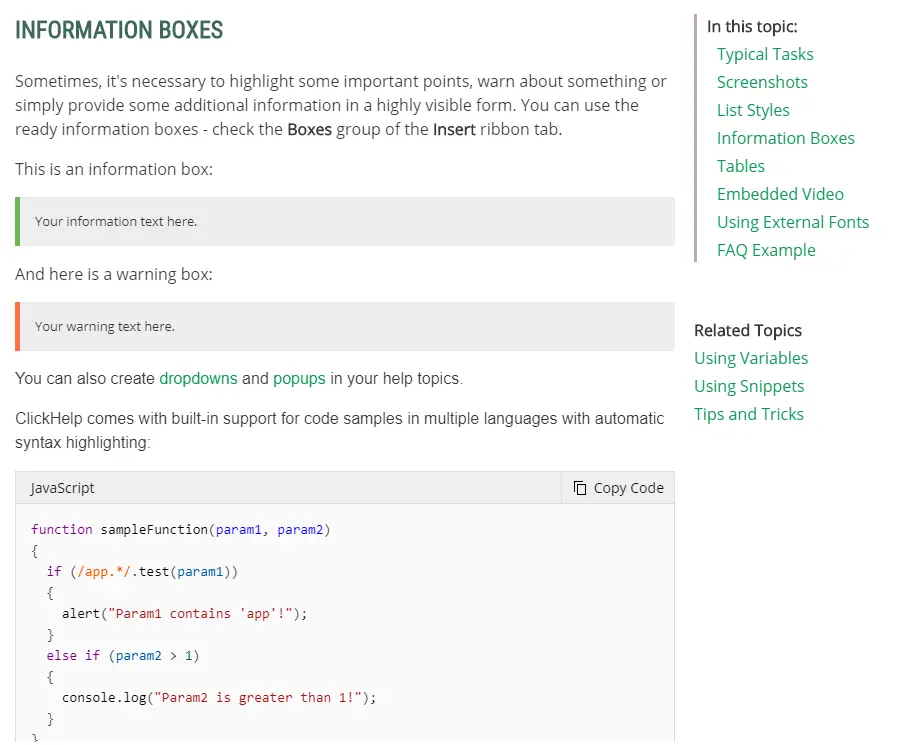
    For those who want to show what’s really important without any distractions, we prepared the ‘minimalist’ template, with a pretty self-explanatory title. It strips your design from extra colors and other vivid elements, leaving only the information. It features a special section where you can organize your topics and other links into different categories.
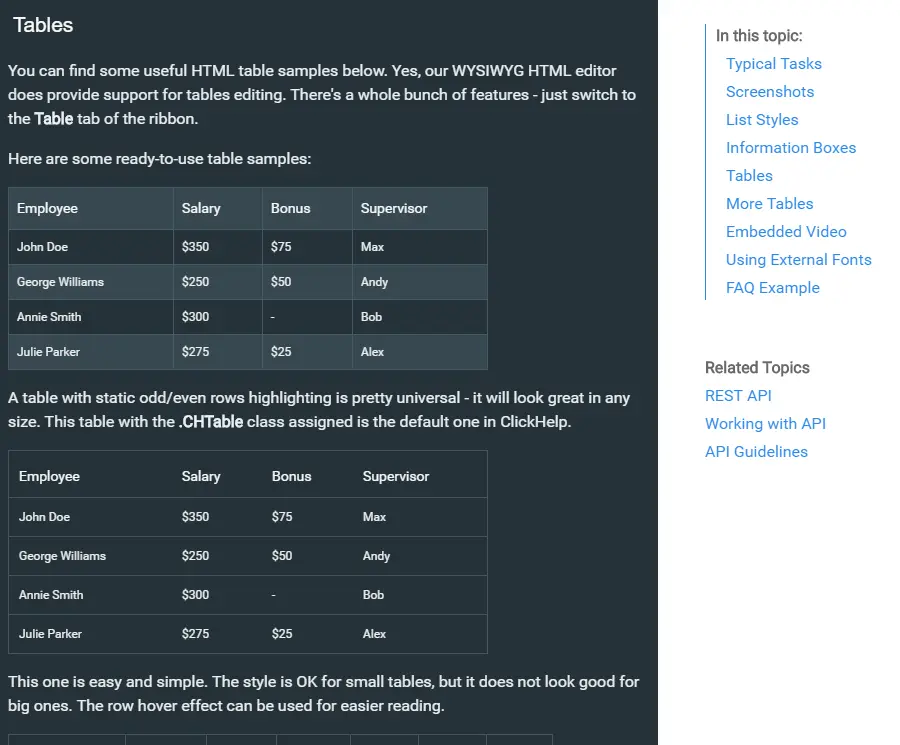
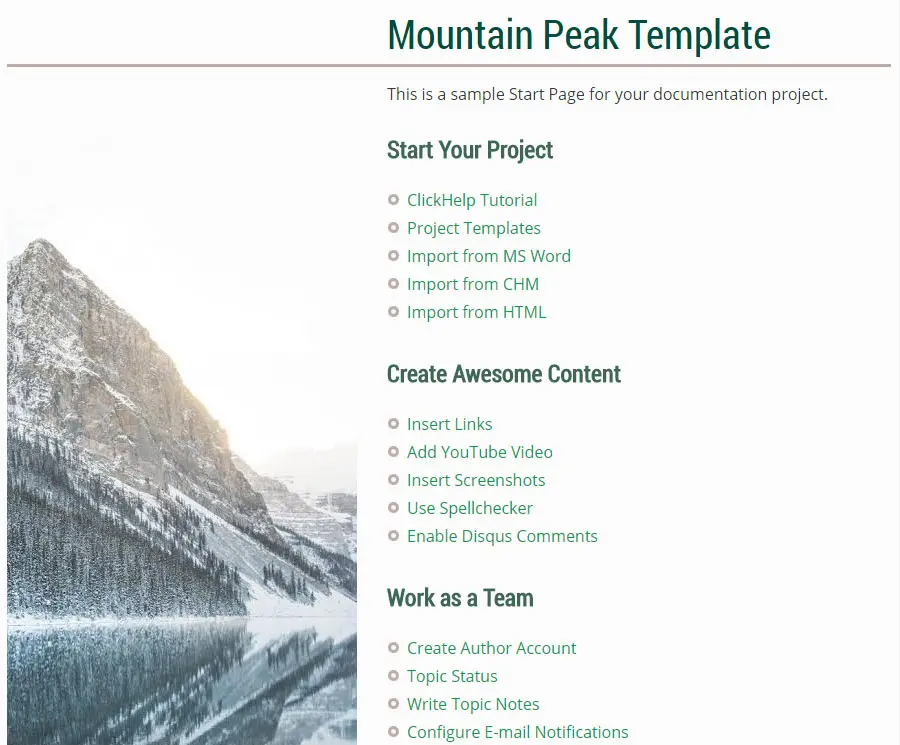
    Mountain Peak Template
    A bit melancholic, but nonetheless setting you in a creative mood this template is a rest for sore eyes. Dimmed colours won’t distract you from work. In terms of layout, this one is similar to “API Documentation” with large icons/headers and “Getting Started” section below.
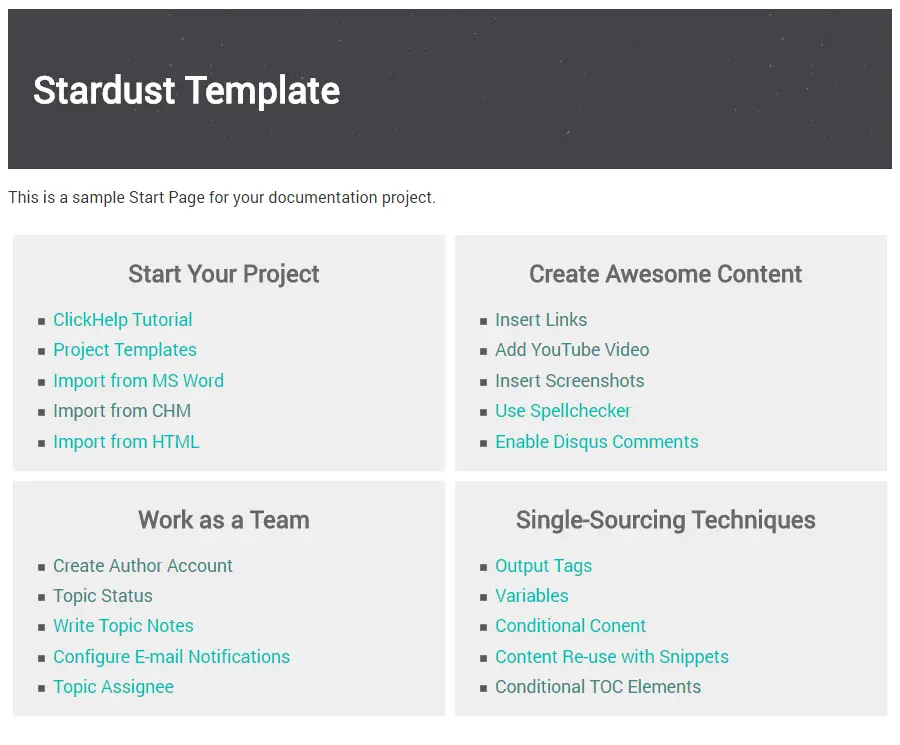
    Stardust Template
    Stardust is a lightweight theme with clear typography that will help highlight the most important information. Its layout will help you to do this as well, with documentation titles taking up a whole column. To the right, you’ll find a template video you can swap for yours. Helpful “Getting Started” section included as well.

    Flexible Reader UI Templates

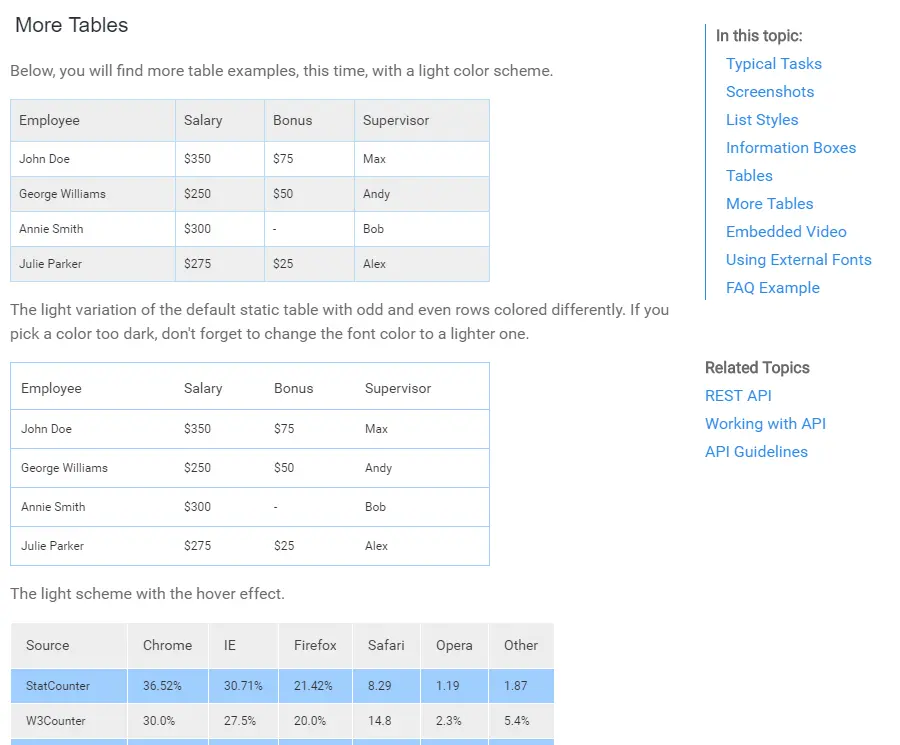
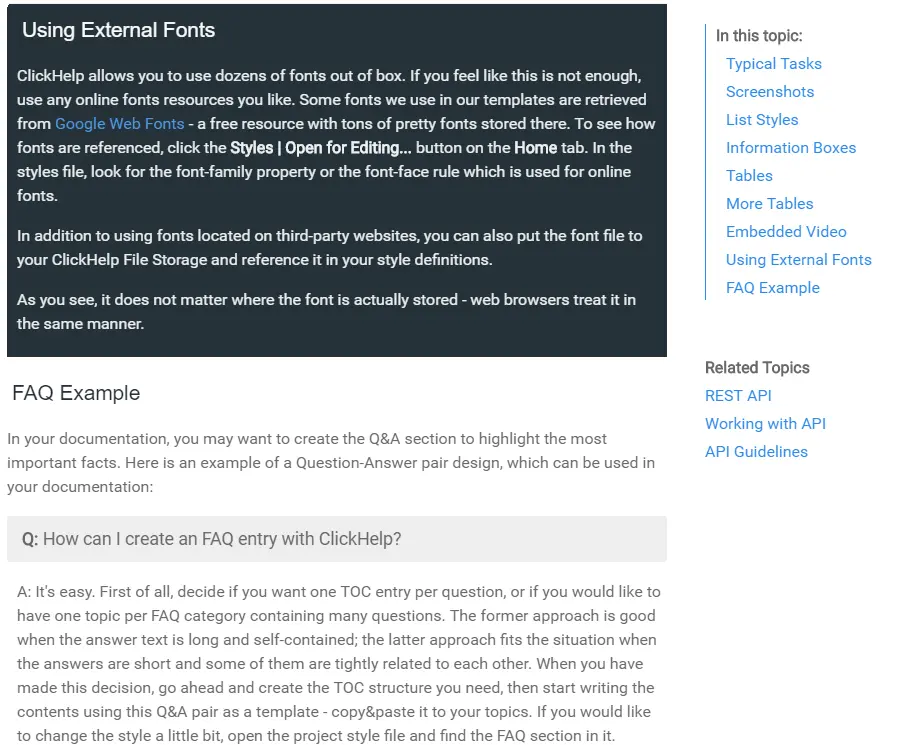
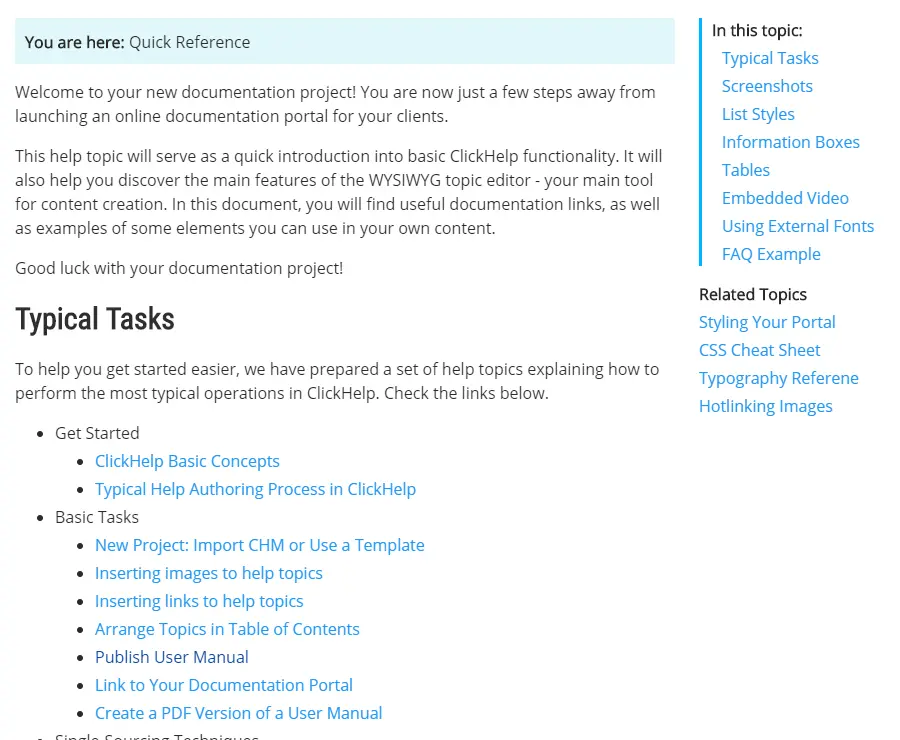
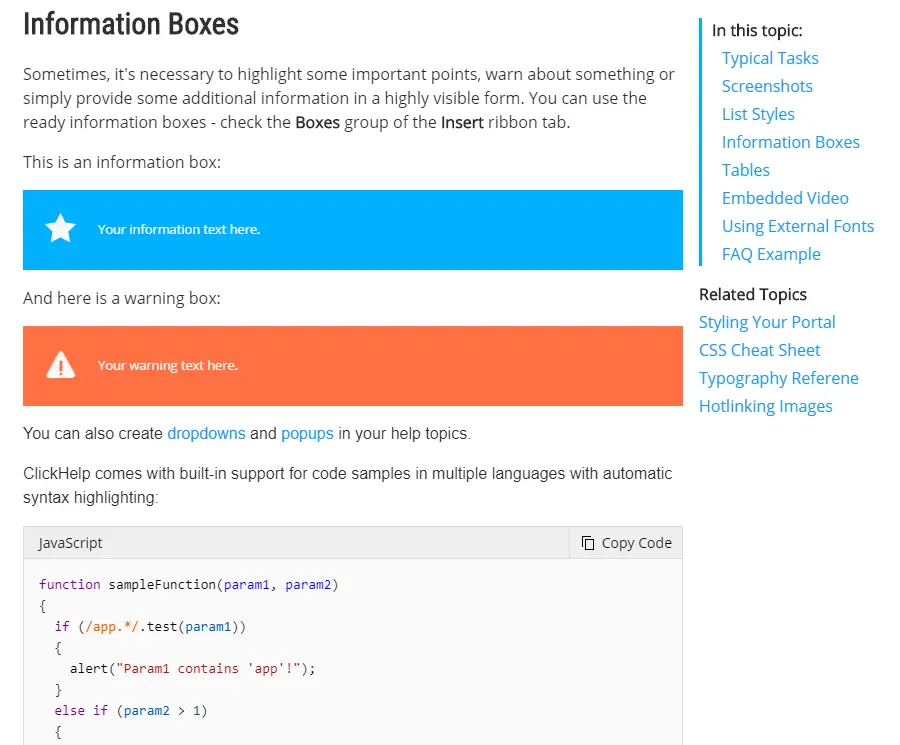
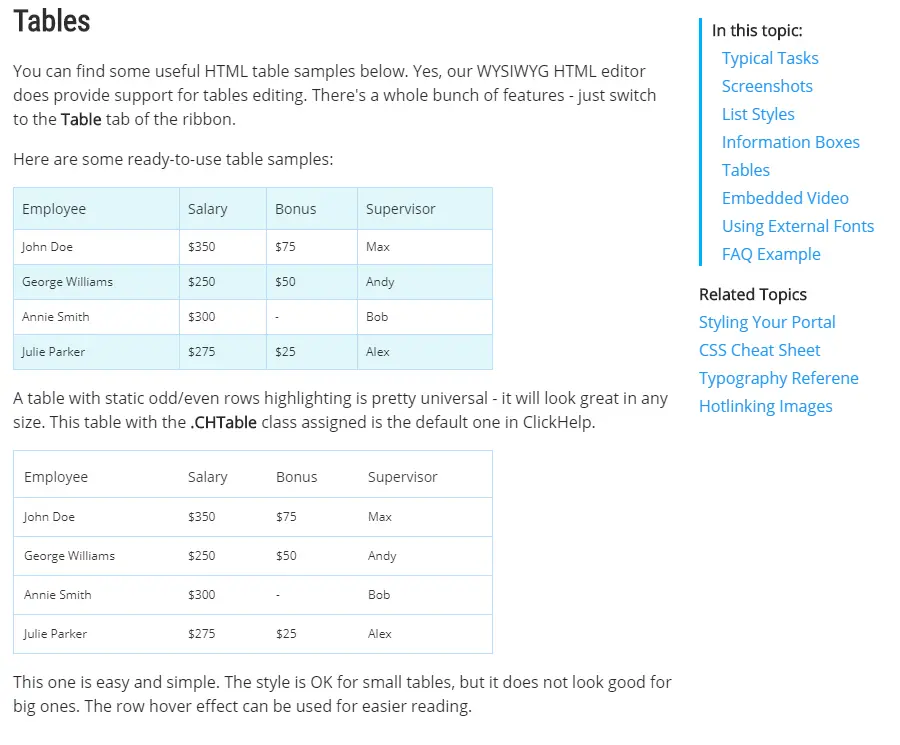
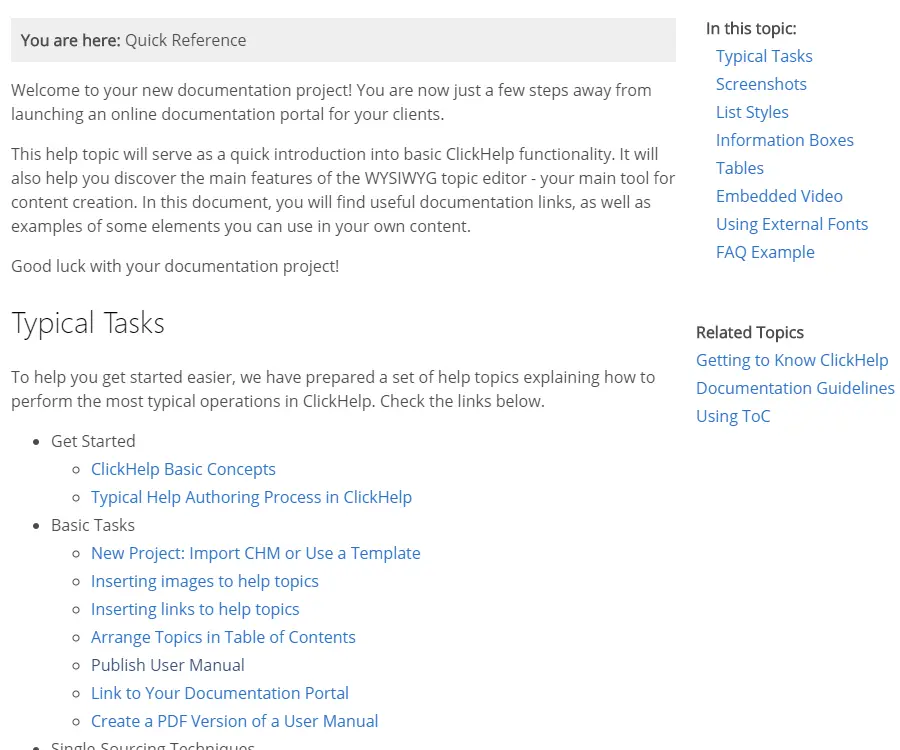
    With ClickHelp, you can design online documentation, user manuals, knowledge bases, FAQs, and the like effortlessly. We created 6 ready reader UI templates that are fully different and will work well for all document types.

    Ready templates will help your tech writing team save time - there is no need to know CSS to design your documentation, just choose a template and that’s all.

    The templates are customizable, so you can easily create something unique for your portal. However, you can also use CSS freely to design your documentation according to your needs.

    All the templates are optimized for different screen sizes that’s why your readers can comfortably read documentation on their smartphones, tablets, and other devices.

    Dynamic Homepage Styling

    The Enterprise homepage template is a great choice for designing your homepage according to your brand colors in no time. With its automatic color feature based on your Reader UI settings – selection color and hover color, this template takes the guesswork out of customizing your portal’s appearance. The Enterprise dynamic template will help your tech writing team save time, so you can get a sleek, professional-looking portal quickly and easily.
    See it in Action!

    Looking for ways to increase technical writing team productivity? Let us show you what ClickHelp has to offer!
    Request Demo